


A few years ago, running a Shopify store meant doing almost everything yourself, from writing product descriptions to manually replying to every support message. That is changing fast.
Shopify AI agents now handle a growing share of that daily work, from drafting a discount campaign to answering a customer’s order question in seconds. Unlike a basic chatbot, an agent can understand what you are asking for in plain language and actually carry out the task, not just describe how you might do it yourself.
This guide breaks down what Shopify AI agents are, the main types available in 2026, common use cases, how to choose an agent app and what to consider before letting an agent handle part of your store.
TL;DR
A Shopify AI agent is a built-in or connected tool, such as Sidekick or an AI chatbot, that understands plain language and completes real tasks like building workflows or answering customer questions.
| Topic | Quick Answer |
| What are they | Shopify AI agents are tools built into or connected to your store that can understand natural language and complete real tasks, not just answer questions. |
| Main types | Merchant-facing agents like Sidekick, customer-facing chat agents, marketing and operations agents and Agentic Storefronts, a sales channel that lets AI shopping assistants find and sell your products. |
| What they do | Handle admin tasks, build workflows, answer customer questions, run campaigns, draft purchase orders and even help shoppers buy inside AI chats. |
| Why it matters | Merchants using tools like Sidekick report big time savings, with SNOCKS cutting report-building time by 98%. Shopify also says AI-attributed orders grew 11x between January and November 2025. |
| Who this helps | Any Shopify store owner who wants to save time on daily tasks and stay visible as shopping increasingly happens through AI assistants. |
What Exactly Is a Shopify AI Agent?
The word agent gets used loosely across the AI world, so it helps to pin down what it actually means in a Shopify context before going any further. Marketing copy across the software industry often labels anything with a chat interface as an agent, which has made the term feel vague and somewhat overused. A precise definition matters here because it directly affects what you can realistically expect a given tool to do for your store. Getting this distinction right up front will make the rest of this guide, including the specific tools and examples covered later, much easier to place into the right category.
A Shopify AI agent is a tool, built into Shopify or connected through an app, that uses natural language processing and large language models to understand a request and take real action inside your store, rather than simply returning information.
This is the key distinction between an agent and older-style automation. A basic rule-based system can only follow logic that someone set up in advance, with no ability to handle a situation outside those predefined rules.
An agent can interpret a flexible, plain-language instruction and figure out the steps needed to complete it, similar to briefly explaining a task to a capable assistant rather than programming a machine. This flexibility is precisely what makes agents so useful for the kind of varied judgment involving tasks that fill a typical merchant’s week.
Shopify AI Agent vs Chatbot vs Automation
These three terms often get mixed together in casual conversation and even in some app marketing, but they describe genuinely different levels of capability that are worth separating clearly. Confusing them can lead a merchant to expect far more from a basic tool than it can actually deliver, or to overlook a genuinely powerful agent because it looks similar to a simple chatbot on the surface.
The table below gives you a quick way to sort any new tool you come across into the right category:
| Type | How it works | Shopify example | Best for |
| Simple automation | Follows a fixed rule that someone sets up in advance | A Shopify Flow rule that tags orders over a set value | Predictable, repeatable tasks |
| Chatbot | Answers from pre-written scripts or a limited decision tree | A scripted chat widget with set answers | Basic FAQs with fixed answers |
| AI assistant | Answers questions and drafts content or replies in plain language, then waits for you to act | Shopify Magic suggested replies in Shopify Inbox | Quick help and first drafts you review |
| AI agent | Understands plain language, pulls in real data and completes multi-step tasks, adjusting as it goes | Sidekick building a Shopify Flow automation from a prompt | Multi-step work that needs judgment |
Shopify calls Sidekick an AI assistant. It still meets the definition of an agent because it takes real actions in your store, such as building a Flow automation or creating a customer segment, once you approve them.
Types of Shopify AI Agents
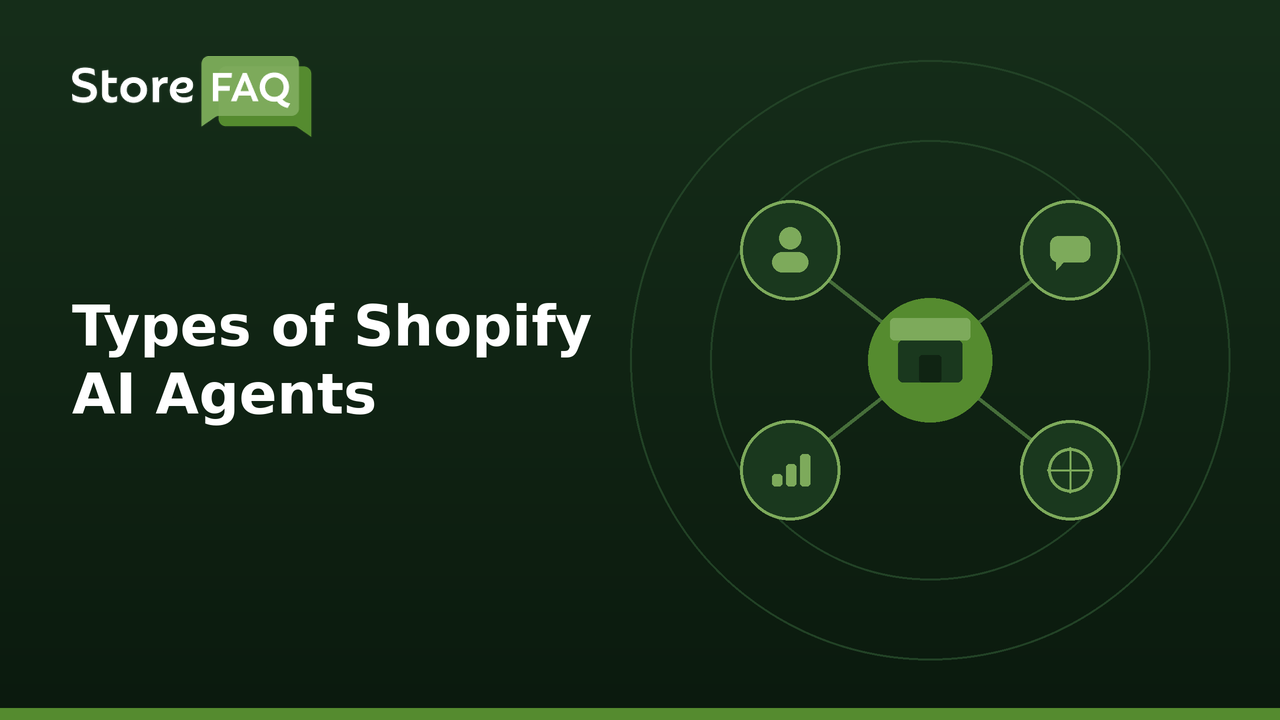
Shopify AI agents generally fall into a few clear categories, based on who they are built for and what they actually do inside your store, and understanding these categories makes it much easier to figure out which tools are worth your attention. Some agents work entirely behind the scenes to help you run your business, while others sit directly in front of your customers, and a newer category works completely outside your store altogether.
Each category solves a different problem, so the right starting point depends heavily on where your store currently struggles most. The four types below cover most of what merchants will encounter across the Shopify ecosystem in 2026.
1. Merchant-Facing Agents (Sidekick)
Shopify Sidekick is the platform’s own built-in AI assistant, available inside the Shopify admin on every plan at no extra cost for its core features, though some newer skills depend on your plan and admin language. That makes it one of the easiest AI agents to start with. Because it lives directly inside the admin you already use every day, there is no separate account to set up or app to configure before you can start experimenting with it.
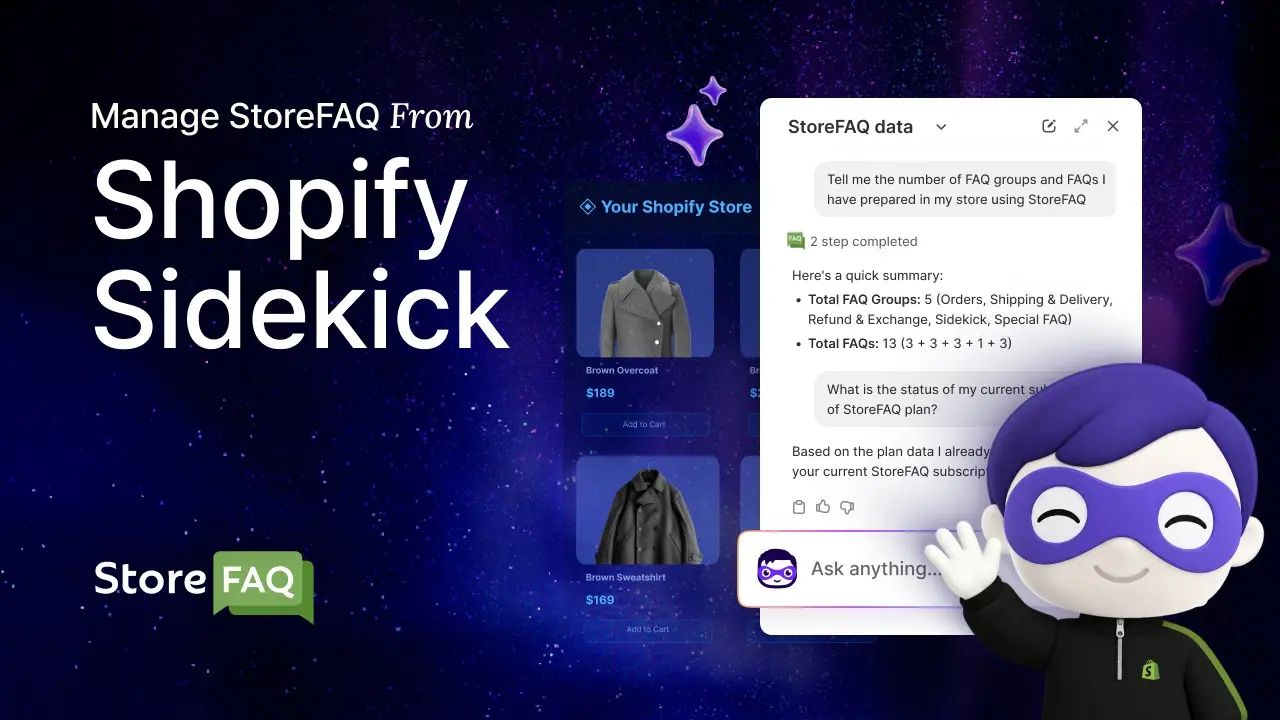
Sidekick is designed to handle the kind of varied judgment involving admin work that used to require either technical skill or a fair amount of manual clicking through settings menus. Its actual capabilities go well beyond simple question answering, extending into genuine store management tasks.
Sidekick can create to-do lists, generate business recommendations, build theme customizations, set up customer segments and construct full Shopify Flow workflows just from a plain-language description of what you want.
For example, instead of manually building an automation step by step, you could describe something like sending a thank you discount to customers after their third purchase, and Sidekick can translate that into a working Flow automation without you touching a single technical setting.
Shopify has added a lot to Sidekick since 2025. These are the updates most worth knowing about in 2026:
- Custom admin apps: Since the Winter ’26 Edition, Sidekick can generate a custom app for your Shopify admin from a prompt, which you can preview and install. Availability depends on your plan.
- Sidekick Skills: You can save a prompt you use often as a Skill and reuse it or share it with your team.
- Sidekick Pulse: Pulse shows personalized recommendation cards on your admin home page, based on your store and user data.
- Purchase orders: In the Spring ’26 Edition, Sidekick can generate purchase orders from reorder recommendations, which helps with inventory and operations.
- Voice, screen sharing and mobile: You can chat with Sidekick by text, voice or screen sharing on desktop and mobile, and ask it questions by voice on Apple Watch. For longer tasks it keeps working in the background and tells you when the result is ready to review.
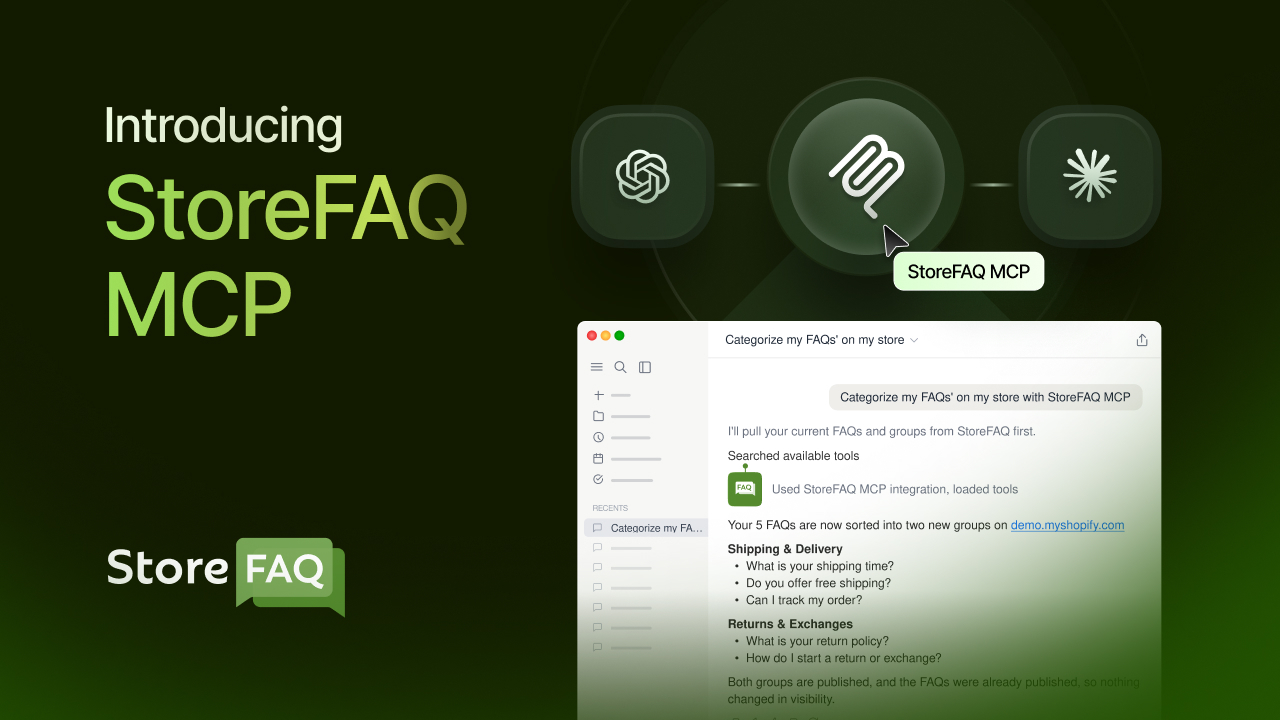
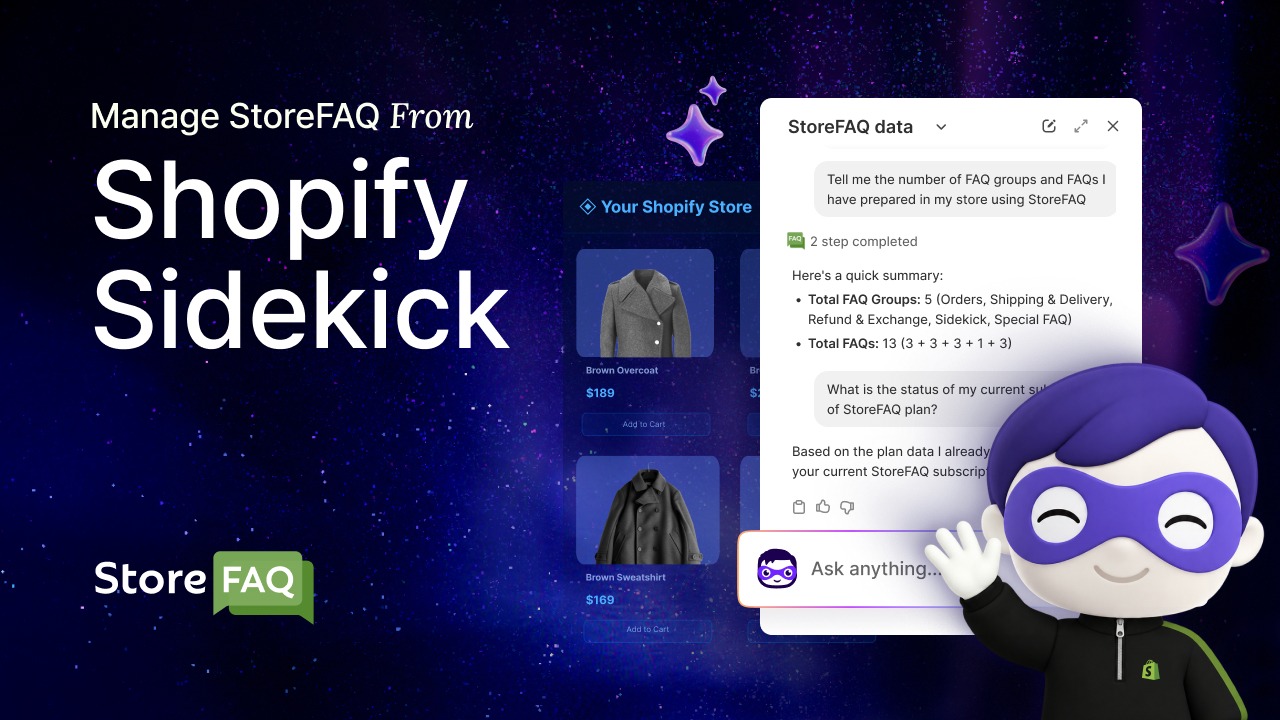
Sidekick App Extensions let third-party apps bring their data and actions into Sidekick. Shopify introduced them as a developer preview in the Winter ’26 Edition, and the Spring ’26 Edition said they work with more than 15 partner apps at launch, including Klaviyo, Loop and Judge.me. StoreFAQ also plugs in this way, so you can ask Sidekick about your FAQ groups, page views and plan without leaving the admin.
2. Customer-Facing Support Agents
These agents sit on the customer side of your store, handling live chat, order questions and basic troubleshooting without waiting for a human agent to respond, which is often the first place merchants notice AI agents making a visible difference. Unlike the merchant-facing tools covered above, these agents are interacting directly with your shoppers, so tone, accuracy and speed all matter enormously to the impression they leave. A well-configured support agent can resolve a large share of routine questions instantly, at any hour, without a single team member being online. Shopify’s own built-in option and specialized third-party apps both play a role here, often working best when used together.
Shopify Inbox, the platform’s free built-in chat tool, uses Shopify Magic to suggest replies to customer messages based on your store information, which you review before sending. Dedicated FAQ and support apps go even further with deeper automation built specifically around self-service.
Shopify’s Spring ’26 Edition also introduced Storefront Agent, an AI shopping assistant that knows a store’s catalog, policies and brand voice. You turn it on from the Shopify admin without installing an app.
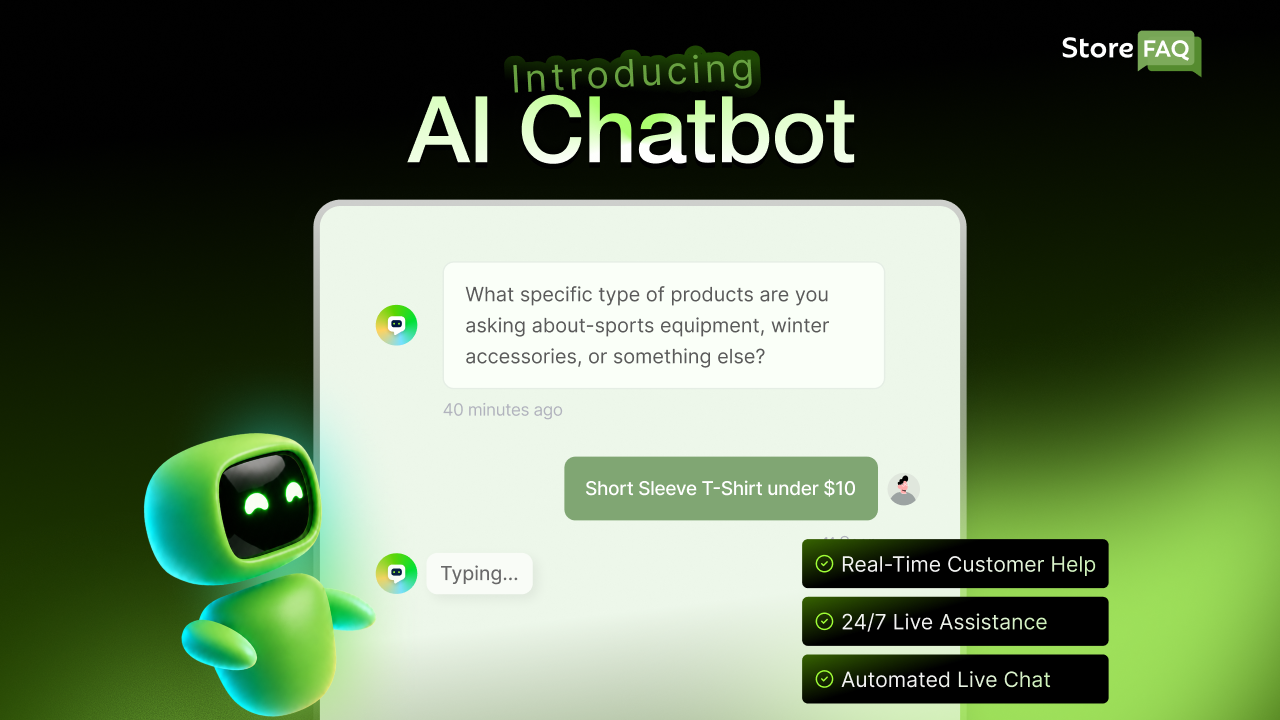
StoreFAQ: an AI-powered FAQ and support app whose AI Chatbot answers shopper questions in real time from your FAQs, product details and policies, with Live Chat to hand a conversation to a person. It also includes Write with AI to draft FAQ answers, FAQ schema for better search visibility and Instant Answer to show FAQ content right on the page.
The Instant Answer part acts as a self-service layer. It shows the most relevant FAQ content as a shopper searches or browses, so questions about sizing, shipping or returns get answered on the page. It works like smart search because it surfaces answers without taking actions, which makes it a good companion to the AI Chatbot.
3. Marketing, Operations And Analytics Agents
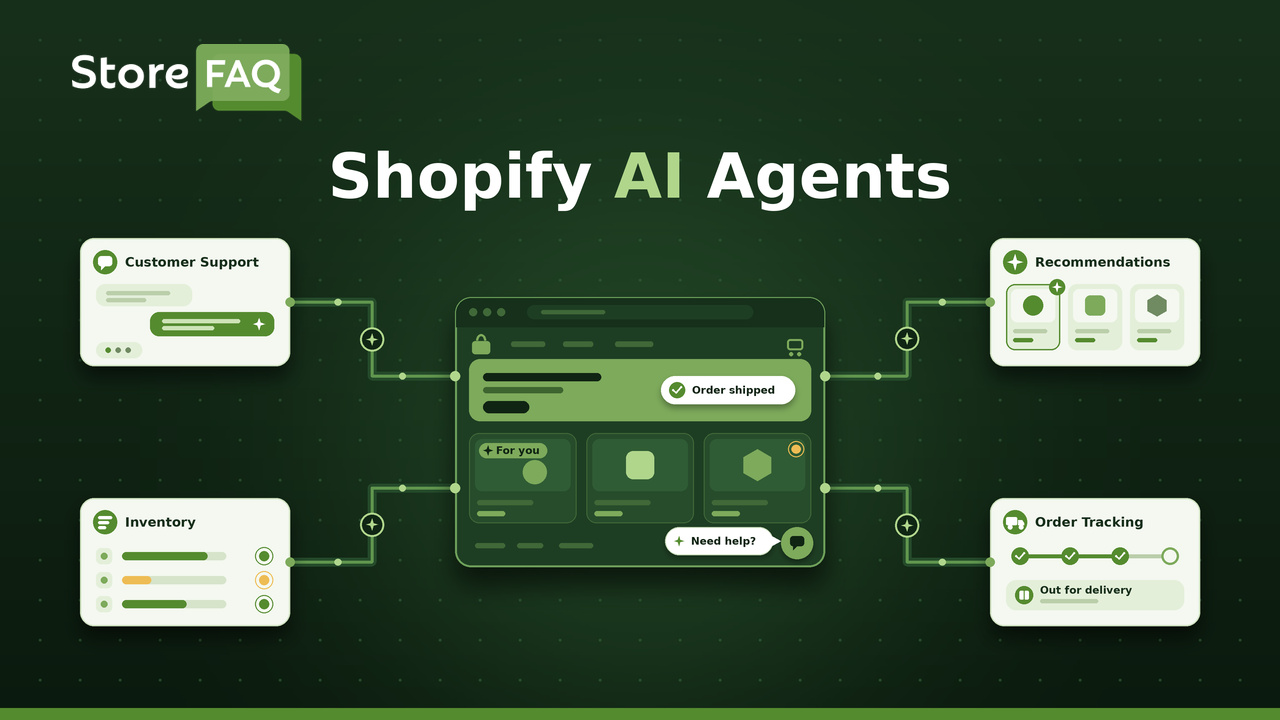
A third group of agents works in the background on the business side of your store. They plan campaigns, watch inventory and turn raw numbers into reports, so you spend less time in spreadsheets and dashboards. Most of them live inside the Shopify admin, and a growing number come from apps you already use.
Shopify’s Spring ’26 Edition introduced Campaign Autopilot, which runs paid and organic campaigns inside the budget and guardrails you set and covers channels such as Meta, the Shop app and email. On the operations side, Sidekick Pulse flags what needs attention each time you open the admin and Sidekick can draft reorders as purchase orders.
Because Sidekick App Extensions connect apps such as Klaviyo and Judge.me, you can also ask Sidekick about an email campaign or recent reviews in the same conversation.
4. Agentic Storefront & Discovery Agents
This is one of the newest and most significant categories in 2026, and it is a different kind of shift compared with the other three types covered so far. Shopify announced Agentic Storefronts in its Winter ’26 Edition in December 2025, and they are now live and switched on by default for eligible stores. They work as a sales channel that serves outside AI agents, and you do not install an agent yourself.
They let external AI assistants, like ChatGPT, Microsoft Copilot, Google AI Mode and the Gemini app, discover, compare and even help complete a purchase of your products directly inside their own conversation, outside your website. You can review and control each channel under Sales channels in your Shopify admin. That makes the AI ecosystem a sales channel in its own right, and it already sends real orders to your store.
Instead of a shopper typing a search into Google and browsing your website, they might ask an AI assistant directly for a recommendation, and that assistant can pull structured data from your store to make and support that suggestion. Shopify’s expanding agentic commerce infrastructure is built specifically to make stores discoverable and trustworthy to these external AI shopping agents.
This shift matters because it changes where the actual buying decision happens. A shopper might never land on your homepage at all, and instead complete most of their research and even the purchase itself inside a conversation with an AI assistant. Shopify’s president said in November 2025 that orders attributed to AI searches had grown 11x since January 2025.
How to Make Your Store Agent-Ready
Making sure your product titles, descriptions and specifications are clear, accurate and detailed is quickly becoming just as important as traditional on-page SEO, since that same structured content is what these outside agents rely on to recommend you in the first place.
Use this checklist to prepare your store for AI shopping channels:
- Complete product data: Fill in titles, descriptions, specifications and variants for your best sellers, because Shopify Catalog shares this data with AI channels.
- Clear store policies: Publish shipping, returns and refund policies in plain language so AI assistants can quote them accurately.
- FAQ content for pre-purchase questions: Answer questions about sizing, shipping times and compatibility before shoppers ask them, ideally with an FAQ app such as StoreFAQ.
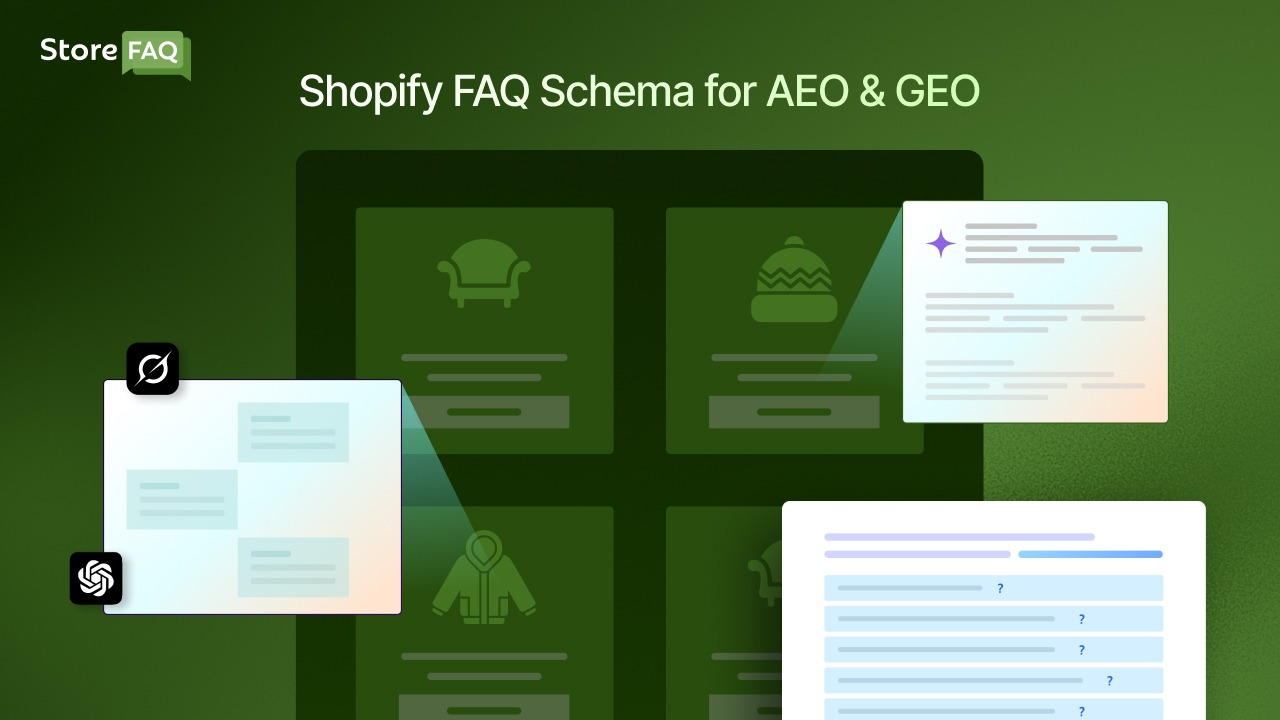
- FAQ schema: Add schema markup so search engines and AI tools can read your questions and answers as structured data. Our guide explains how the FAQ schema supports AEO and GEO.
- Shopify Knowledge Base app: Use the Shopify Knowledge Base app to create FAQs about your business policies for AI agents to reference. These answers do not appear on your website.
- AI channel performance: Check the AI channel section of your Shopify admin to see orders, sales and conversions from each channel, and act on the fixes Sidekick suggests.
Common Use Cases of Shopify AI Agents
Shopify AI agents cover a wide range of daily work. These are the most common uses in 2026, grouped by the job they do.
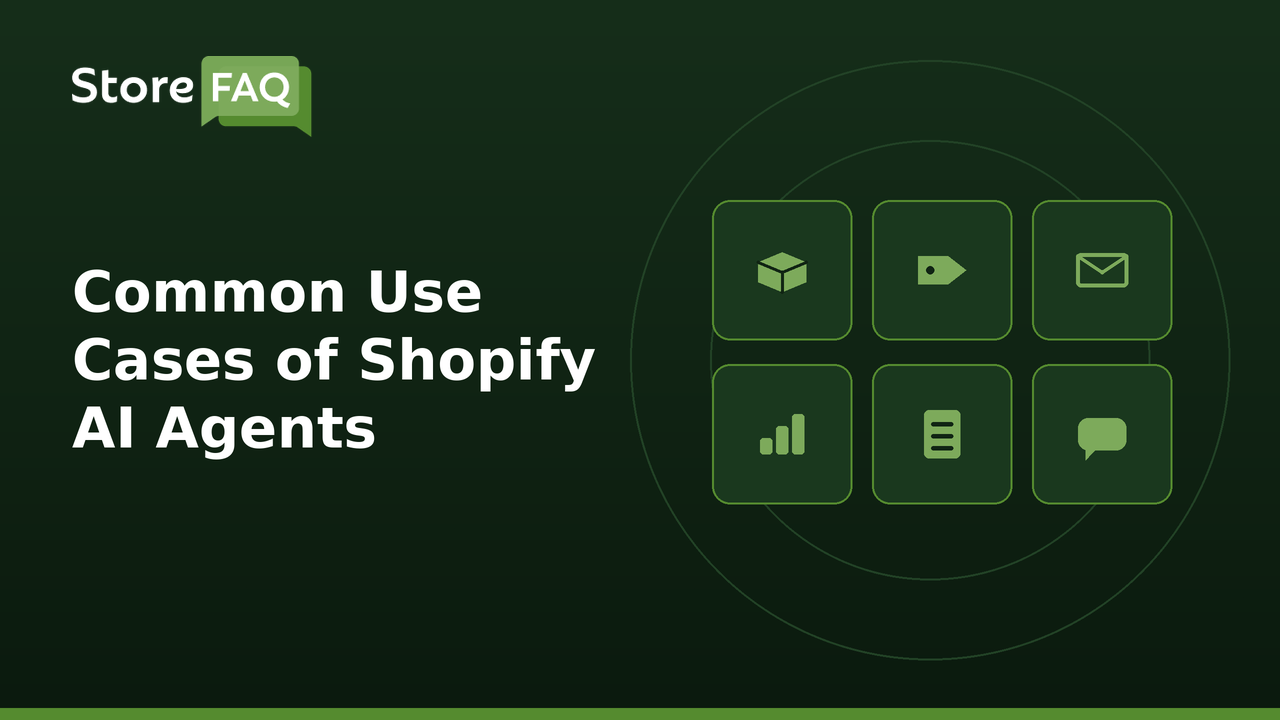
- Store admin and reporting: Sidekick builds reports, customer segments, discounts and Flow automations from a plain-language request.
- Customer support: AI chatbots such as StoreFAQ AI Chatbot and Gorgias AI Agent, along with Shopify Inbox suggested replies, answer order, shipping, returns and policy questions and hand off to a person when needed.
- On-page answers: Instant Answer shows the most relevant FAQ content as shoppers browse or search.
- Marketing and campaigns: Campaign Autopilot runs paid and organic campaigns within the budget and guardrails you set.
- Inventory and operations: Sidekick drafts purchase orders from reorder recommendations, and Sidekick Pulse surfaces the next best actions for your store.
- Content and store testing: Shopify Magic and Sidekick help write product descriptions and edit themes, and SimGym simulates shopper behavior before you launch a change.
- Selling in AI channels: Agentic Storefronts let outside AI assistants find, compare and sell your products.
How Shopify AI Agents Actually Work
Behind the friendly chat interface, these agents rely on a stack of interconnected AI technologies working together, and having at least a basic understanding of that stack helps you use these tools more effectively and troubleshoot when something does not work as expected. None of these individual technologies is new on its own but the way they have been combined and refined over the past few years is what makes today’s agents feel so much more capable than the rule-based chatbots of a few years ago.
Knowing roughly how the pieces fit together also helps set realistic expectations about what an agent can and cannot reliably do. The breakdown below covers the four core technologies working underneath most modern Shopify AI agents.
The Core Technology Behind the Agent
- Natural language processing (NLP): lets the agent understand what you are actually asking for, including context, tone and nuance.
- Large language models (LLMs): generate the actual response or plan of action, whether that is a reply to a customer or a built-out automation.
- Memory and store data: lets the agent use your current products, orders and past conversations to give answers specific to your store.
- Sentiment analysis: helps the agent detect whether a customer sounds frustrated or satisfied, and adjust its tone or escalate to a human accordingly.
These pieces work together so an agent is not just matching keywords to a script. It is interpreting the actual meaning and emotional tone behind a request, then deciding what action best fits that specific situation.
From Request to Action: A Simple Example
It helps to see this as a real, step-by-step flow rather than an abstract idea, since the underlying concepts can feel a little theoretical without a concrete example to anchor them. Walking through an actual request from start to finish shows exactly how the pieces described above work together in practice.
This same basic sequence applies whether the task is simple, like drafting a product description, or more involved, like building a full multi-step automation. The four steps below trace a realistic example using Shopify Sidekick and Shopify Flow.
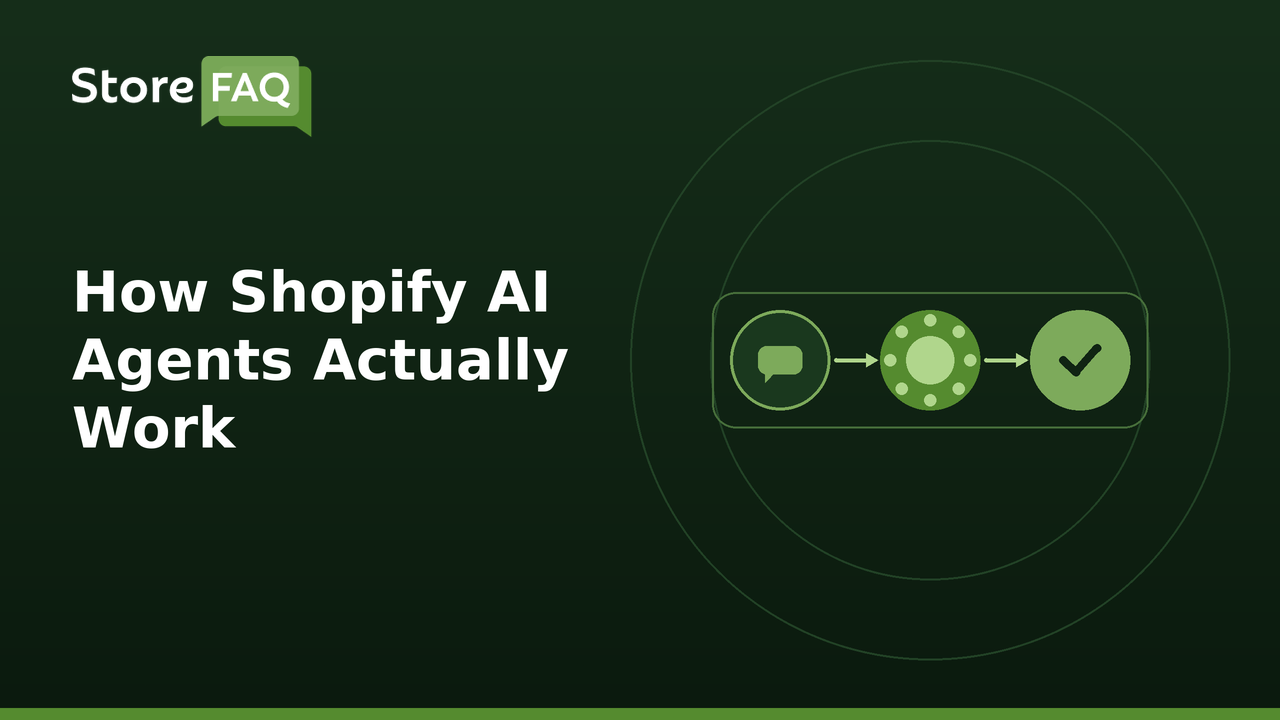
- A merchant types a plain-language request into Sidekick, such as creating a workflow to email customers who abandon a cart over fifty dollars.
- The agent interprets the intent, checks what data and triggers are available in the store, and builds the matching Shopify Flow automation.
- The merchant reviews and approves the workflow, or asks the agent to adjust a detail, such as the discount amount or wait time.
- Once live, the agent can continue monitoring performance and suggest changes if the automation is not performing as expected.
This same pattern (understand the request, check the data, take the action, review the result) applies whether the agent is helping a merchant build an automation or helping a shopper find the right product.
It is worth noting that agents do not operate blindly. They work within the permissions and data you have already connected to your store, so an agent cannot access information or take an action outside what your Shopify setup actually allows. This is part of why reviewing an agent’s suggested action before it goes live, especially early on, is a sensible habit rather than an unnecessary extra step.
Real Benefits Shopify Merchants Are Seeing
These are not just theoretical capabilities described in a product brochure. Merchants using AI agents inside Shopify are reporting measurable results across admin time, support costs and customer experience, based on the published case studies and reports linked below.
Seeing the actual numbers behind these benefits helps you judge whether the investment of time it takes to learn a new tool is genuinely worth it for your specific store. The three areas below cover the clearest wins in published case studies and reports.
Time Savings on Admin Work
Merchants using Sidekick for operational tasks have reported big time savings. Shopify’s published case study on SNOCKS, a German direct-to-consumer brand, reports a 98% cut in report-building time, from about 30 minutes to seconds per query. SNOCKS now lets four departments pull their own data with plain-language questions, and Sidekick also helps the team build Flow automations from a short description. Typical time savers include building reports, setting up customer segments, creating Flow automations and drafting reorders.
Fewer Support Tickets Reaching Human Agents
Self-service and AI FAQ tools, like StoreFAQ’s AI Chatbot, Instant Answer and live chat features, are built to deflect repeat tickets around the clock. Results vary by store, and the deflection rates you reach depend on how complete your FAQ and chatbot content is. Every ticket the tools deflect leaves your team more time for complex or high-impact requests.
Faster, More Personalized Support
Beyond raw speed, AI agents help maintain context across a conversation in a way that older, rule-based systems never could manage consistently. An agent assist tool can surface a customer’s order history, summarize the situation and suggest next best actions in real time, which cuts down on the back and forth that normally slows down a support reply. This context awareness matters just as much for the customer experience as the time savings do, since nothing frustrates a shopper more than repeating the same information to a support agent twice. Our step-by-step guide to adding a Shopify AI chatbot with StoreFAQ gives a closer look at how this works in practice.
For a deeper look at how these tools work across different use cases, Shopify’s own guide on AI customer service strategies is a useful resource.
It also helps to think about return on time rather than just return on money when evaluating these tools. A free built-in agent like Sidekick that saves even a few hours a week is pure upside, which makes it one of the lowest-risk starting points for a merchant who has never used an AI agent before.
Getting Started with Shopify AI Agents
If you are new to this, you do not need to adopt everything at once, and trying to do so is actually one of the most common mistakes merchants make when they first get excited about AI tools. A focused, gradual approach tends to work best, both because it gives you time to learn how each tool actually behaves and because it prevents you from paying for capability you are not yet using. The sections below walk through a sensible order of adoption, starting with what is already sitting inside your Shopify admin for free. Following this sequence also means you build a clear sense of where your store’s real bottlenecks are before you start spending money on specialized apps.
Start With What Is Already Built In
- Turn on Sidekick and try a few simple requests, like drafting a product description or building a basic discount workflow.
- Turn on suggested replies in Shopify Inbox so Shopify Magic drafts answers to common customer questions for you to review.
- Review the to-do lists and recommendations Sidekick surfaces automatically, since these often point to quick, low-risk wins.
Add Specialized Apps as You Grow
Once you have a feel for the built-in tools, specialized apps can fill gaps that Shopify’s native tools are not built to solve, because dedicated apps go deeper into one problem than a general-purpose tool can. The examples below show how to match an app, like StoreFAQ, to your biggest bottleneck.
- A support-heavy store might add an app like StoreFAQ, which combines an AI Chatbot, AI-written FAQs, Instant Answer search and multilingual FAQs to deflect repeat tickets and serve global customers.
- A store that wants to turn more reviews into sales might add a reviews app such as Judge.me, which now connects to Sidekick through App Extensions.
- A store focused on email and SMS might connect an app such as Klaviyo to Sidekick, so you can ask about campaign results without leaving the admin.
The right starting point depends entirely on where your store’s biggest time drain or biggest missed opportunity currently sits, so it is worth reviewing your own support and sales data before picking a tool.
Keep a Human in the Loop
AI agents are strong at repetitive, well-defined tasks, but they are not a full replacement for human judgment, especially in situations involving nuance, complaints or unusual requests that fall outside their training. Recognizing this limitation clearly, rather than treating AI as a total replacement for support staff, is what separates a well-run automated support system from one that quietly frustrates customers. The goal is not to remove people from the process entirely, but to free them up to spend their time on the situations that genuinely benefit from human judgment.
The most effective setups treat AI agents as a first, fast layer of support and automation, with a clear and visible path for a customer or a task to reach a real person whenever it genuinely needs one.
How to Choose a Shopify AI Agent App
Many store owners search for a Shopify AI agent or chatbot app, and the options differ in what they can do. Use these criteria to compare apps before you install one.
- Live store data: Check that the app syncs your current products, policies and FAQs so answers stay accurate when your store changes.
- Human handoff: Look for live chat or a clear way to pass a conversation to a person when the agent cannot answer.
- Languages: Confirm the app can answer in the languages your customers use, for example with multilingual FAQs.
- Pricing per conversation: Many apps charge by AI conversation or by resolved ticket, so estimate your monthly volume and check what extra conversations cost.
- Analytics: Make sure you can see which questions customers ask and which ones the agent could not answer.
- FAQ schema and AI search visibility: Choose a tool that also publishes your answers as structured data, such as FAQ schema, so search engines and AI assistants can read them.
Limitations to Know Before You Rely on an AI Agent
AI agents work best on routine tasks, and they can still get things wrong. Plan for these limits before you give an agent control of customer conversations.
- Wrong or made-up answers: An agent can state something that is not true, especially when its source content has gaps. Test it with real customer questions before you go live.
- Outdated policy information: Answers reflect the content the agent can see, so update your shipping, returns and FAQ content whenever a policy changes.
- Data access and privacy: Check which store data an app can read and review the permissions you approve at install.
- Brand tone: Read early conversations to make sure replies sound like your brand.
- Per-conversation pricing: Costs can grow with traffic when an app charges for each AI conversation, so set a budget and monitor usage.
- Clear handoff rules: Decide which topics, such as refunds, complaints or legal questions, always go to a person and make the path to a human easy to find.
Start Using Shopify AI Agents in Your Store Today
Shopify AI agents are no longer an experimental extra reserved for large enterprise brands with dedicated technical teams. They are quickly becoming a normal part of how stores of every size handle admin work, support and even product discovery. Shoppers are using AI assistants to buy too, and Shopify’s president said in November 2025 that AI-attributed orders had grown 11x since January 2025. Every tool and technique covered in this guide, from Sidekick’s plain-language automation to StoreFAQ’s instant answers, is available right now rather than sitting somewhere on a future roadmap. Waiting for a perfect moment to start tends to just mean falling further behind stores that are already learning and iterating.
Start small. Turn on Sidekick, try a few real requests and see where it saves you time. Add a customer-facing chat agent once you understand your most common support questions. Keep reviewing what is working, keep a human ready for anything an agent should not handle alone and let these tools take the repetitive weight off your shoulders so you can spend more time on the parts of your business that actually need you.
Ready to put an AI Chatbot, AI-written FAQs and Instant Answer to work in your store? Try StoreFAQ free from the Shopify App Store.