


Every Shopify store owner knows the feeling. The same questions land in your inbox again and again. ‘Where is my order?’ ‘What is your return policy?’ ‘Do you ship internationally?’ These questions are predictable, yet each one eats into your day and quietly costs you sales when a shopper cannot find an answer fast enough.
Modern shoppers want answers before they buy and they want them without waiting for an email reply. A Harvard Business Review study found 81% of customers attempt to solve problems on their own before ever reaching out to support. That is where a Shopify FAQ Builder App comes in. It gives you a clean, organized way to answer common questions on autopilot so customers help themselves and your support team gets its time back.
In this guide, you will learn what a Shopify FAQ Builder App actually does, why your store needs one, what it really costs you to go without one and how the right app helps you reduce support tickets while improving your customer experience.
What Is a Shopify FAQ Builder App?
A Shopify FAQ Builder App is a dedicated app that helps you create, organize and publish a frequently asked questions section directly on your store without any coding skills. Shopify does not ship with a native FAQ page feature, so without a dedicated app, your only options are hard-coding questions into your theme or scattering answers across random product descriptions. Both approaches break the moment you switch themes or update a policy.
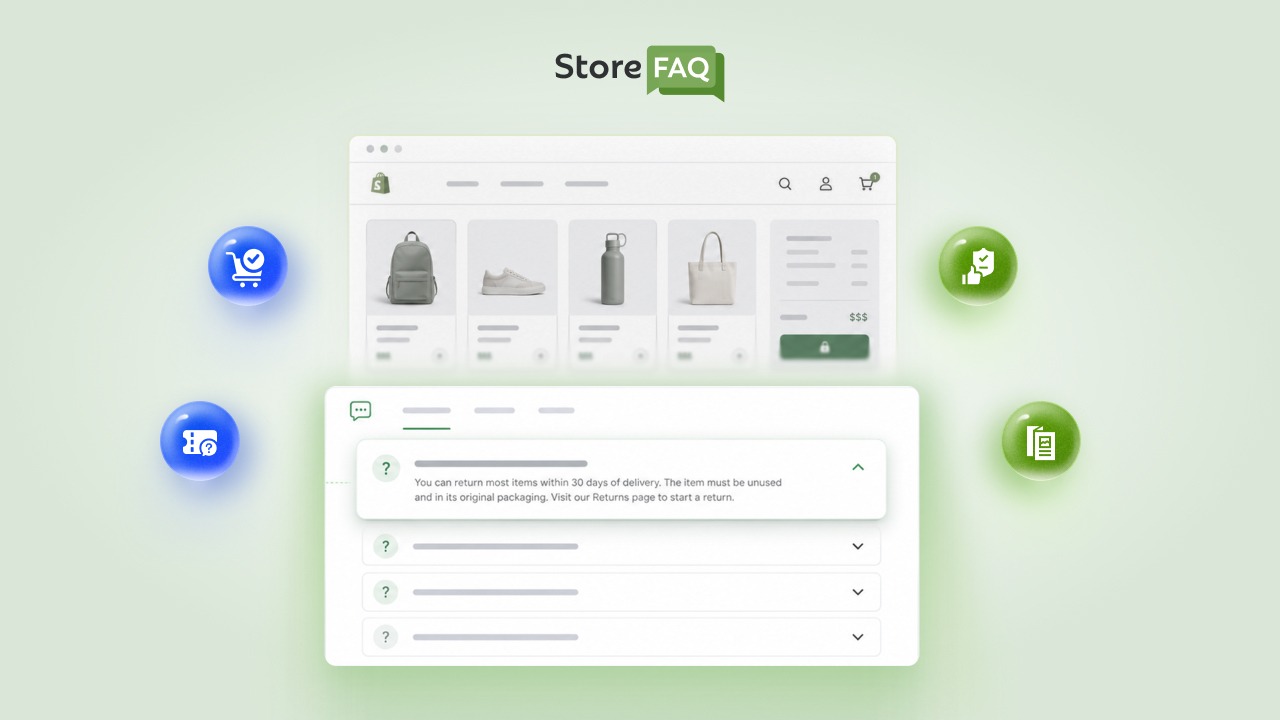
A proper FAQ builder replaces that mess with a single centralized dashboard. From there, you can build FAQ groups, write detailed answers and control exactly where those questions appear on your site. The best FAQ builders go far beyond a simple plain-text list by adding dynamic features that improve both usability and search engine visibility.
- Organized categories: Group questions into distinct categories like shipping, returns and sizing.
- Brand alignment: Style the layout to match your brand colors, fonts and overall aesthetic.
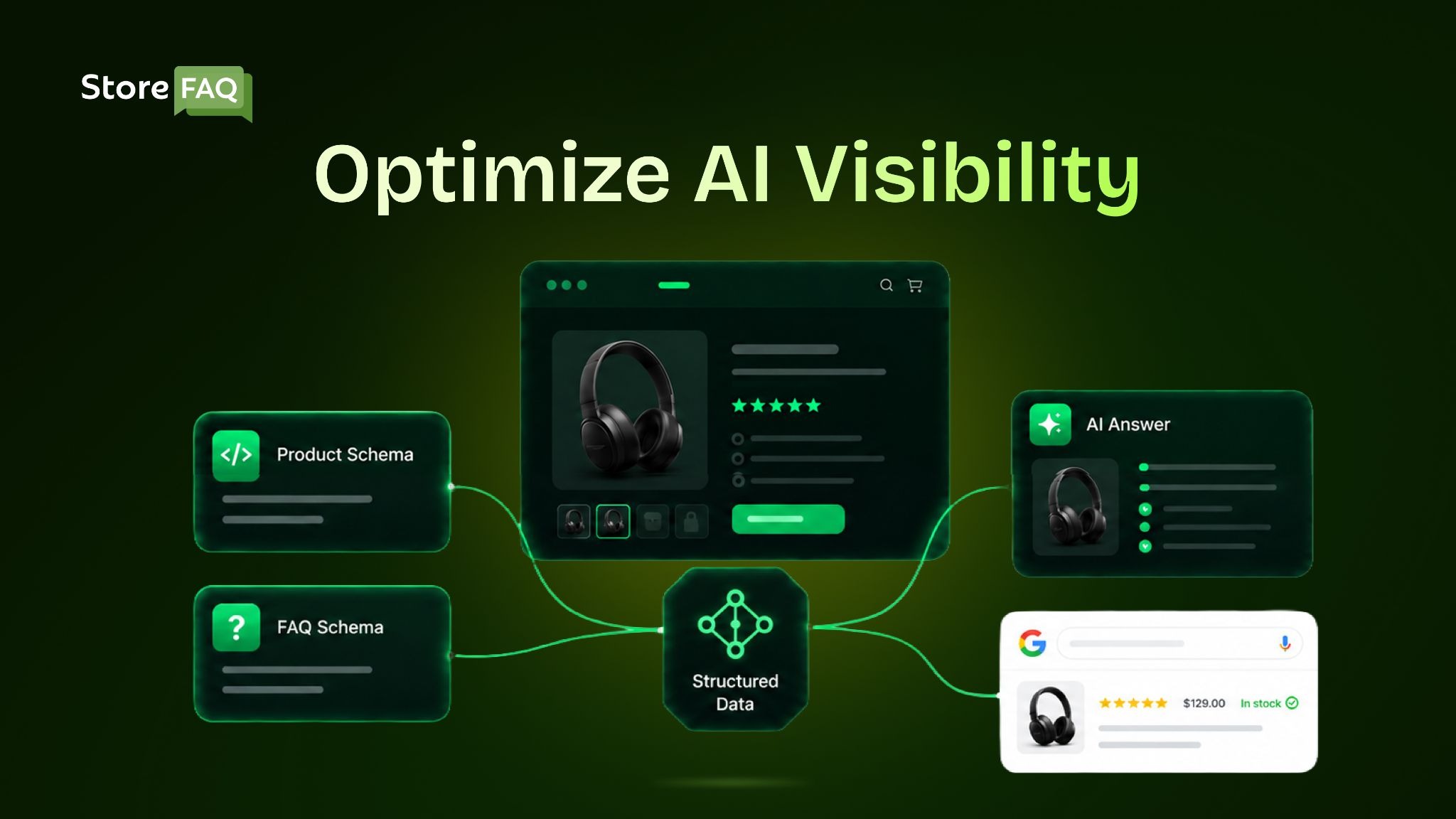
- SEO enhancements: Add essential schema markup so search engines can read and index your content properly.
- Smart automation: Modern apps use AI to draft answers based on your store context, so you spend minutes drafting text instead of hours.
Think of it as the difference between a filing cabinet stuffed with loose paper and a searchable digital library. The information might be the same, but only one of them actually helps a customer find an answer in the ten seconds before they lose patience and leave.
The Real Cost of Answering Questions Manually
Before we get to the benefits, it helps to see the true price of doing nothing. Most store owners underestimate how expensive manual support really is because the cost is spread across dozens of small moments rather than a single line item.
Industry data puts the cost of a human-handled support interaction at roughly $6, while a self-service or automated interaction costs closer to $0.50. That is more than a tenfold difference on every single ticket. Companies that combine self-service with automation report cutting their cost per interaction by about 53%, dropping the average from around $4.50 to $2.10.
There is a human cost, too. Support agents spend roughly 40% of their day searching for information or composing responses from scratch. When the same handful of questions dominate the queue, your best people burn out doing repetitive, low-value work instead of solving the complex issues that actually need a human touch.
A FAQ page is not just a customer convenience. It is an operational efficiency tool that protects your margins and your team’s morale at the same time.
How Unanswered Questions Quietly Kill Conversions
The most expensive support ticket is the one that never gets sent, because the customer simply left. This is where an FAQ page earns its keep in a way that never shows up in your support inbox.
The average shopping cart abandonment rate sits at roughly 70% according to the Baymard Institute. Not all of that is unanswerable, but a meaningful share comes down to unresolved doubt at the moment of decision. As one eCommerce strategist put it, cart abandonment is not about a lack of intent; it is about unresolved hesitation, and one unanswered question at checkout can undo everything you did right before it.
Look at the specific reasons shoppers walk away and the FAQ angle becomes obvious:
- Unsatisfactory or unclear return policies account for around 18% of abandonments in Baymard’s data and a Blue Yonder survey found 69% of consumers say tighter or unclear return policies have deterred them from buying.
- Slow or unclear delivery timelines drive a significant share of drop-off, with shoppers abandoning specifically because a delivery date was unclear.
- Unexpected costs like shipping and fees cause nearly half of all abandonments, and much of that friction comes from information the shopper could not find before checkout.
Every one of those objections is answerable in advance. A clear shipping FAQ, a plainly worded return policy answer and a sizing guide placed directly on the product page remove the hesitation before it hardens into a closed tab.
When you answer the question at the exact point of doubt, you keep the shopper moving toward checkout instead of toward a competitor.
Why Do You Need a Shopify FAQ Builder App?
Customer support remains one of the highest ongoing costs for any eCommerce business, and the expectations keep rising. 88% of customers expect faster responses than they did just a year ago and 74% expect support to be available around the clock. Meeting those expectations with human agents alone is neither affordable nor scalable.
An FAQ Builder App fixes the root cause by putting accurate answers exactly where customers look first and there are many more reasons a Shopify store needs an FAQ page worth reviewing.
Reduces Repetitive Support Tickets
Most support requests are variations of a small handful of questions about shipping, returns, sizing and payment. In fact, ‘where is my order’ questions alone account for 30% to 50% of retail support contacts in normal periods and climb even higher during peak season. A well-built FAQ page answers those questions instantly at any hour.
When retailers implement searchable knowledge bases and order lookup tools, support ticket volume typically drops by 25% to 35%. Your team is freed to handle complex high-value issues instead of copying and pasting the same reply for the hundredth time.
Builds Buyer Confidence & Improves CRO
Shoppers often hesitate when they cannot find the information they need. A clear FAQ answer at the point of doubt removes friction and helps keep them moving toward checkout. This directly supports Conversion Rate Optimization (CRO) by addressing common objections before they lead to cart abandonment. Placing product-specific FAQs directly on product pages can turn hesitant visitors into confident buyers because it answers their questions at the exact moment they arise rather than sending them to a separate help page.
Works Around the Clock
Your store never closes, so your support must be available 24/7. An FAQ page delivers accurate answers at 3 a.m. just as well as it does during normal business hours. With 74% of consumers now expecting always-on support, that availability is no longer a luxury. It matters especially for international customers shopping across different time zones, where waiting for your business hours could mean a full day of delay and a lost sale.
Strengthens Your SEO & AI Visibility
A structured FAQ page acts as a genuine SEO asset. With FAQ schema markup, your questions and answers become eligible for Google Rich Results. Your content naturally targets the long-tail question-based searches your customers actually type into search engines and increasingly the questions they ask AI assistants and answer engines. This brings a steady stream of highly qualified organic traffic from people who are actively looking for exactly what you sell.
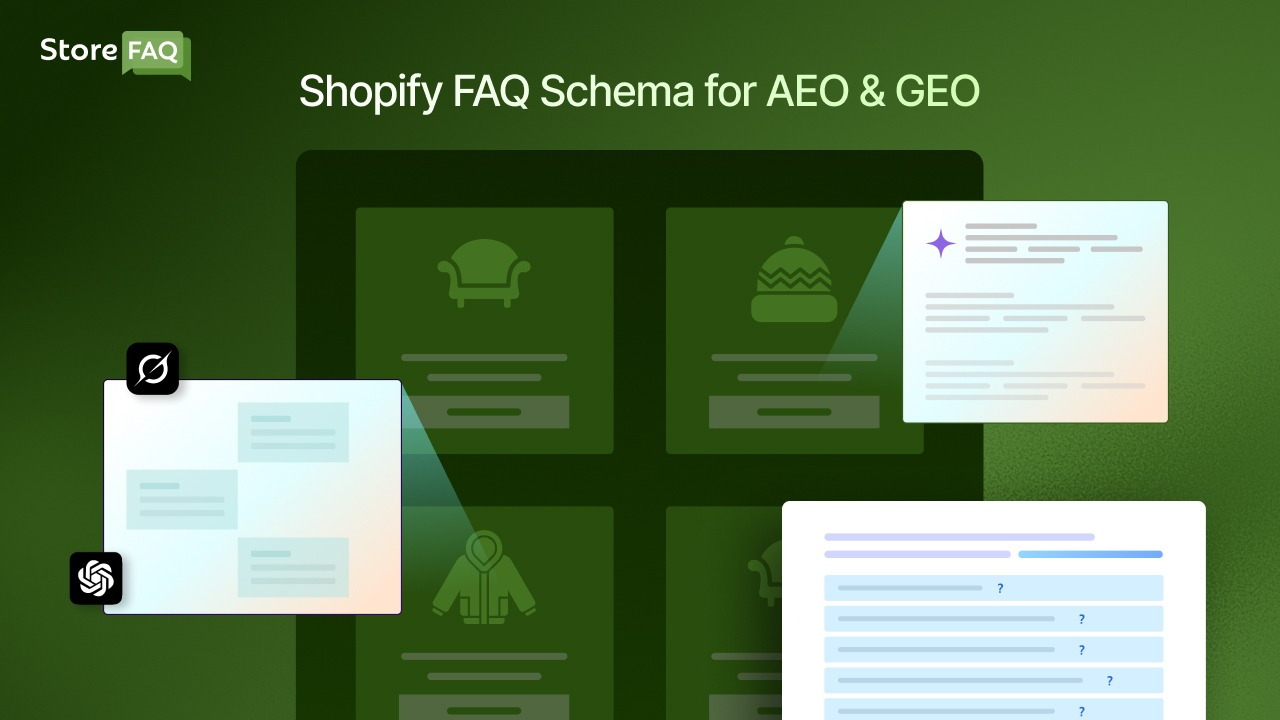
If you want the full picture, this guide on how Shopify FAQ schema boosts AEO and GEO ranking breaks it down in detail.
Scales As Your Store Grows
Adding a new product or policy is as simple as adding a new FAQ group, so your support system grows seamlessly alongside your catalog. You avoid the support overload that so often follows a big seasonal sale, promotional launch or viral social media moment. Instead of scrambling to hire temporary agents before a spike, you expand your self-service content once and let it work indefinitely.
Which Questions Should Your FAQ Page Actually Answer?
A common reason FAQ pages underperform is that owners guess at the questions instead of pulling them from real data. Your customers have already told you what they want to know. The trick is to listen in the right places.
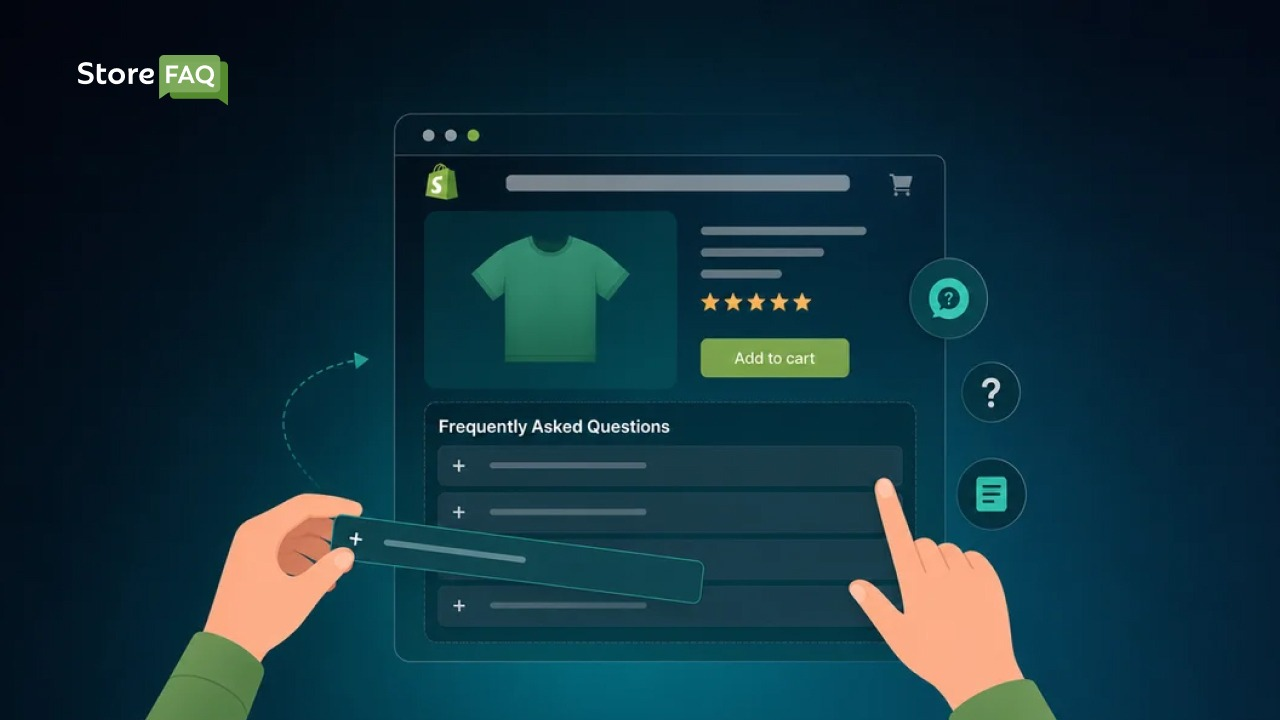
Start by mining your own support history. Scroll back through your email inbox, live chat logs and social media DMs and tally the questions that appear most often. The patterns emerge quickly. For most Shopify stores the recurring topics cluster into a predictable set:
- Shipping: timelines, carriers used, tracking, international availability and costs.
- Returns and refunds: the window, the process, who pays return shipping and how long refunds take.
- Order management: how to track, change or cancel an order after it is placed.
- Payment: accepted methods, buy-now-pay-later options and payment security.
- Product details: sizing, materials, care instructions, compatibility and warranty.
Next, look at what shoppers type into search engines. Use Google’s ‘People Also Ask’ boxes and autocomplete suggestions to reveal the exact phrasing customers use when they search for stores like yours.
Finally, watch where people drop off. If your analytics show visitors abandoning a particular product page or the checkout, that is a strong signal that an unanswered question is creating friction at that exact spot. Add a targeted FAQ there and measure whether the drop-off improves.
Key Features to Look For in a Shopify FAQ Builder App
Not every FAQ app in the Shopify ecosystem offers the same depth or reliability. It is worth remembering that a poorly executed self-service experience can be worse than none at all. One survey found 77% of consumers say an unhelpful FAQ or bot that wastes their time is worse than offering no self-service option.
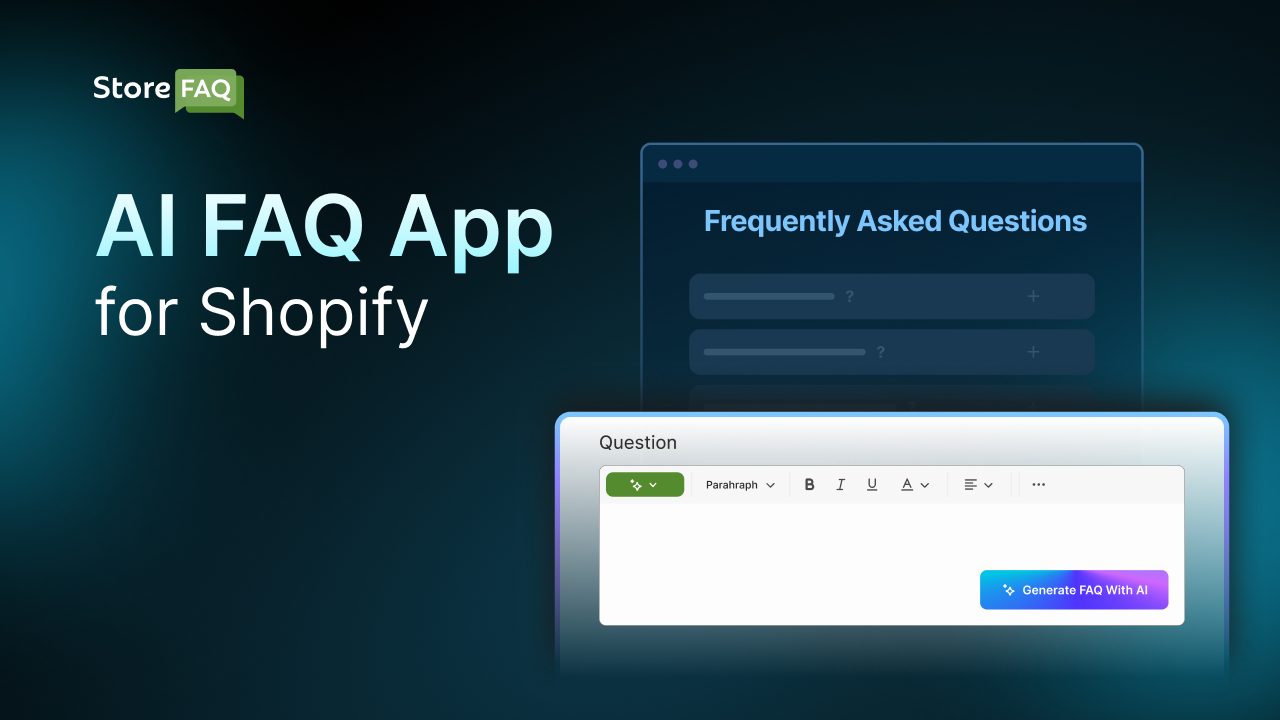
So the goal is not just to have an FAQ page, but to have one that genuinely answers questions. Look for the features that actually move the needle for customer support, user experience and SEO.
- AI-assisted answers: The app drafts relevant questions and answers from your store context so you start with a full draft from day one instead of a blank page.
- Category grouping: Organize questions into clear logical groups like Shipping, Returns and Product Info so customers jump straight to what they need without scrolling past irrelevant answers.
- Flexible placement: Embed FAQs on product pages, a dedicated FAQ page, the homepage or any custom landing page so the right answer appears in the right context.
- FAQ schema markup: Built-in structured data makes your content instantly eligible for Google rich results and helps answer engines understand your content.
- Brand customization: Accordion layouts, custom colors and font settings ensure the FAQ feels native to your store design rather than bolted on.
- Instant search: A smart search box that understands natural-language questions dramatically outperforms a static list, because a customer who types a question and gets the right answer immediately self-serves far more often than one forced to browse.
- No-code setup: Everything is managed from an intuitive visual dashboard with zero HTML, CSS or JavaScript knowledge required.
How StoreFAQ Solves the Problem
StoreFAQ is a smart, remarkably easy-to-use Shopify FAQ Builder App that checks every single box mentioned above. It lets you create, manage and publish professional FAQ pages with the direct help of AI, so you can build a complete self-service support system in mere minutes.
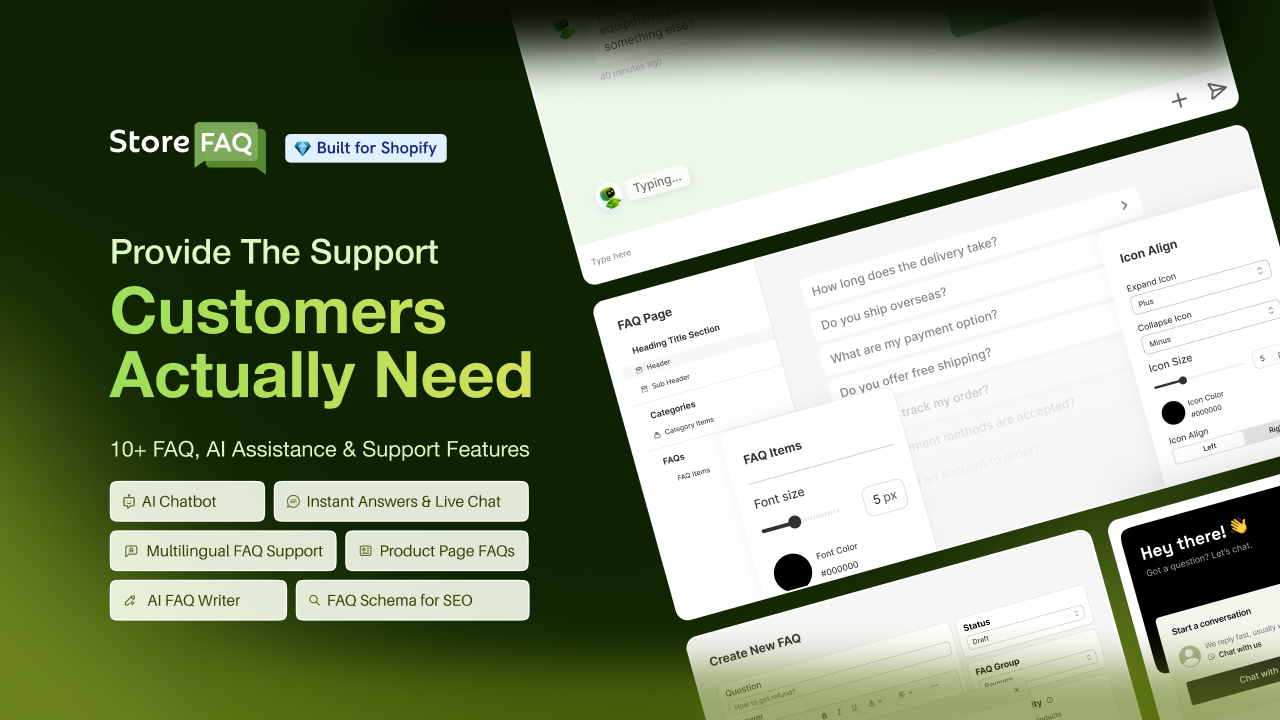
You can generate answers instantly, group them into clean categories and embed them anywhere in your store from a single centralized dashboard.
- All-in-one dashboard: Manage every question, answer and placement setting from one convenient screen, so nothing lives in scattered theme files.
- AI Autowrite: Generate draft answers from your store context in seconds, then edit them to match your brand voice. This is especially useful when you are building a full FAQ library for the first time and need to populate it fast.
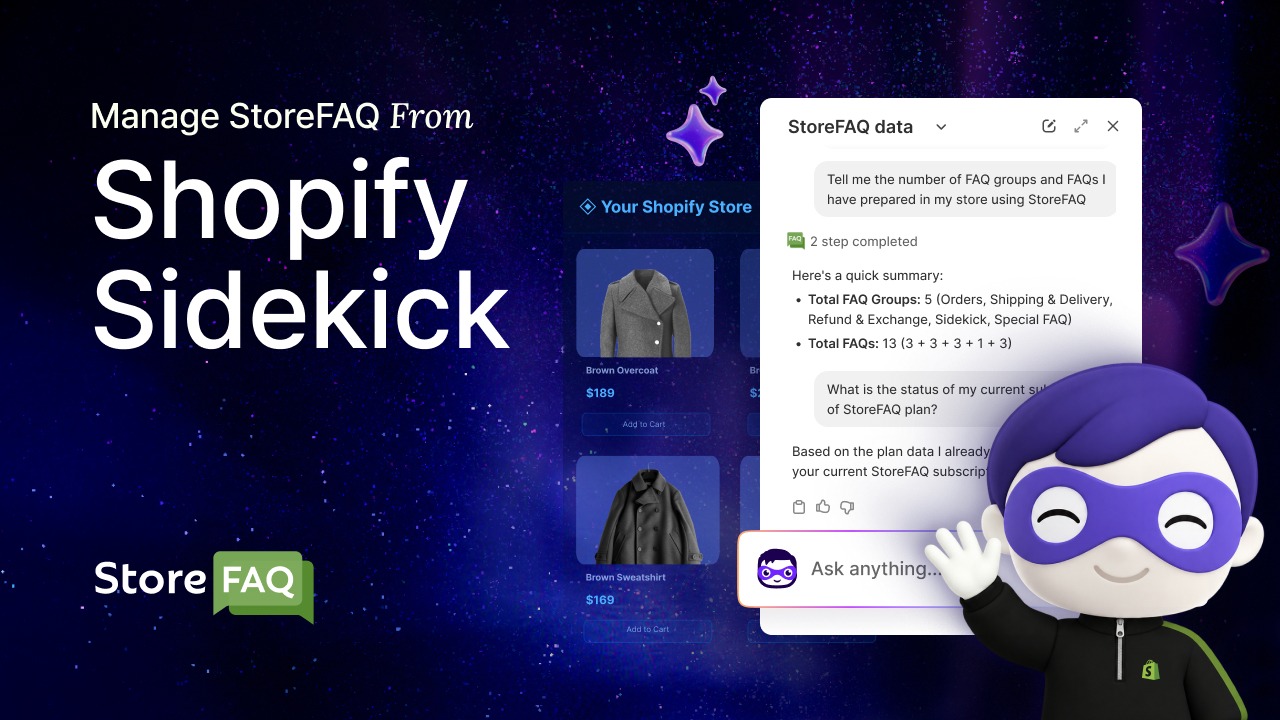
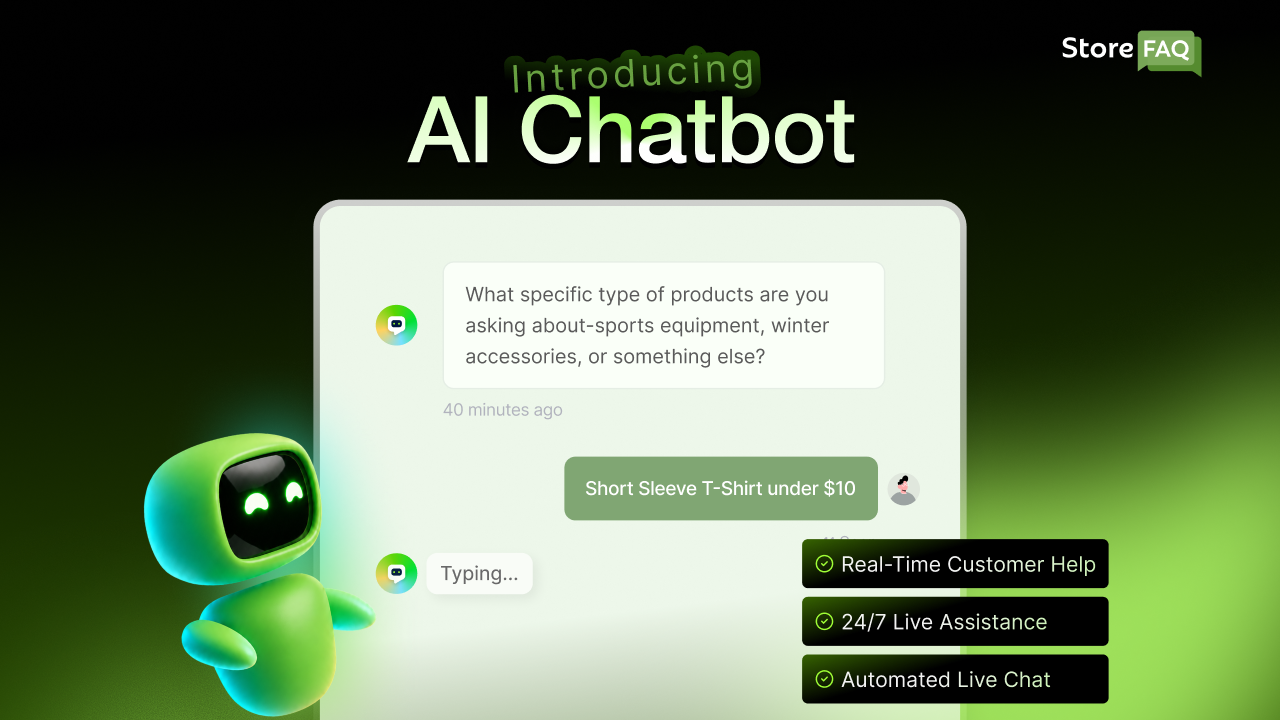
- Beyond static text: StoreFAQ adds powerful helpdesk features like Instant Answer and Live Chat so customers get help the exact moment they need it, blending self-service with human backup for the questions that need it.
- Multilingual support: Serve international shoppers with answers in their own language, removing one more barrier between them and a confident purchase. Here is why a multilingual FAQ matters for your Shopify store.
- Flawless integration: StoreFAQ works perfectly with Shopify 2.0 themes, so you completely avoid the compatibility headaches that come with old hard-coded sections.
- Flexible pricing: Start on a free tier and scale into paid usage only as your traffic grows, which keeps it accessible for small stores and practical for scaling ones.
- Rapid setup: Install StoreFAQ from the Shopify App Store, create your first FAQ group, let the AI draft your answers, review them against your real policies and publish immediately.
- Product-based FAQs: Create FAQs for specific products and answer common questions about features, sizing, materials, compatibility, usage or pricing. StoreFAQ helps you show relevant questions and answers on the product pages where shoppers need them most.
- FAQ-based knowledge base: StoreFAQ AI Chatbot can use the store’s existing FAQs as part of its knowledge base. This allows the chatbot to learn from the information already added to StoreFAQ and provide relevant answers to customer questions.
For a full walkthrough, follow this step-by-step guide to creating a Shopify FAQ page with StoreFAQ.
Best Practices for Your Shopify FAQ Page
A powerful FAQ Builder App gives you the right tools to succeed. Combining those tools with proven best practices ensures your FAQ page actually converts visitors and ranks well on Google.
Simply pasting a list of questions is not enough to build trust. You need to structure your content thoughtfully to guide the user journey and provide maximum clarity.
- Write for your real customers: Use the natural language your shoppers use and avoid internal company jargon or overly technical terms.
- Keep answers concise and complete: Lead with a one-sentence direct response, then add extra detail only if it directly clarifies the core point. Customers want the answer fast, not a preamble.
- Update regularly: Review your FAQs at least once a quarter, and update any answer the same day a policy changes. An outdated FAQ creates more confusion than no FAQ at all and quietly erodes customer trust.
- Link to relevant pages: Point answers directly to your full return policy, specific product pages or sizing guides. Internal linking helps both users and search engine crawlers understand your site structure.
- Place FAQs where decisions happen: Product-page FAQs answer lingering doubts at the exact moment of purchase, so they directly increase conversion rates.
- Make the page easy to find: Add a prominent FAQ link to your main header menu and your global footer navigation. A great FAQ page is useless if customers cannot locate it.
Common FAQ Mistakes That Undermine Your Store
A well-written FAQ can improve customer confidence and reduce support requests, but common mistakes often have the opposite effect.
Outdated answers, vague information and poor organization can frustrate shoppers, increase cart abandonment and hurt the overall shopping experience. Understanding these mistakes is the first step toward creating an FAQ that genuinely helps your customers.
Knowing what to avoid is as valuable as knowing what to do. These are the traps that turn a promising FAQ page into dead weight.
Treating It As a Set-And-Forget Project
An FAQ page written once and never revisited slowly fills with outdated shipping times, discontinued policies and broken links. Each stale answer chips away at trust. Schedule a recurring review so your content stays current.
Burying the Page
If your FAQ lives three clicks deep with no menu or footer link, customers will never find it and will email you instead. Surface it prominently.
Answering Questions Nobody Asked
Padding your page with generic filler questions to look thorough only makes it harder for customers to find the answers that matter. Prioritize the real recurring questions from your support data and put the most common ones at the top.
Writing Walls of Text
A dense paragraph answer forces customers to hunt for the relevant sentence. Lead with the direct answer, keep it tight and use formatting to make it scannable.
Ignoring the Mobile Experience
A large share of your traffic is on a phone. If your accordion is clunky or your text is tiny on a small screen, the page fails exactly when customers need it most. Choose an app that renders cleanly on mobile by default.
Manual FAQ Page vs a Dedicated FAQ Builder App
Some merchants ask whether they really need an app when they could build a basic FAQ page manually using Shopify’s page editor. You can, but the difference in outcome is significant.
A manually built page is a static block of text. It has no categories, no search, no schema markup and no easy way to place a specific set of questions on a specific product page. Every update means editing raw content, and if you ever change themes you risk losing or breaking your work. It also gives you no AI assistance, so you write every answer from a blank page, and no analytics, so you never learn which questions customers actually open.
A dedicated builder like StoreFAQ turns that static page into a living support system. You get organized categories, instant search, automatic schema, flexible placement across pages, AI-drafted answers, brand styling and clean mobile rendering, all from one dashboard that survives theme changes.
Start Automating Your Customer Support Today
Every unanswered customer question quietly costs your Shopify store something valuable. It costs your team precious time, it costs real money in support overhead at roughly $6 per manual reply, and it costs immediate revenue when a frustrated shopper leaves without buying.
A high-quality Shopify FAQ Builder App turns that operational cost into an active asset by giving customers instant answers, freeing your team for strategic work, and earning extra search visibility along the way.
If reducing support tickets and improving your customer experience is a primary goal this year, an FAQ builder stands out as one of the most direct and cost-effective tools to get there.
Install StoreFAQ today, generate your first FAQ group with AI and publish your optimized page. The positive results will show up in your support volume before the week is out. Want more guides like this? Subscribe to the StoreFAQ blog for the latest Shopify tips and updates.