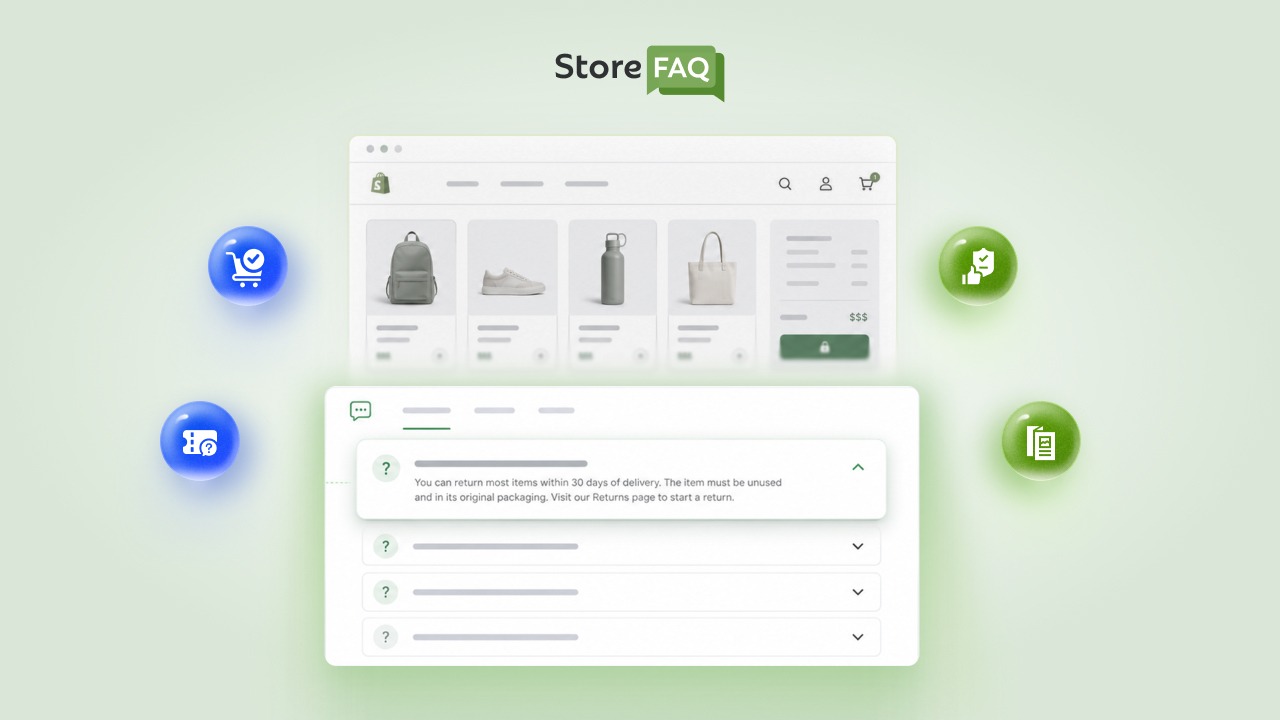



Most shoppers do not abandon their cart because they have changed their mind about the product. They abandon it because a question popped into their head and your store never answered it: shipping cost, return terms, payment security, sizing. One unanswered question is often the only thing standing between a full cart and a lost sale.
Store owners already know they need an FAQ page. What most guides skip is the part that actually moves revenue: which specific questions matter in the final minutes before checkout, and how to answer them so shoppers click ‘Place Order’ instead of closing the tab. These Shopify FAQ best practices cover exactly that gap, with 10+ checkout-stage questions every Shopify store should have ready before a customer ever reaches the payment page.
TL;DR
| Category | What It Covers |
| Shipping and Delivery | Cost, timelines, international orders and tracking |
| Payment and Checkout Security | Accepted methods, data safety and hidden fees |
| Returns, Changes and Problems | Refund terms, order edits and damaged items |
| Fit, Trust and Checkout Extras | Sizing, discount codes and support access |
Why Pre-Checkout FAQs Are a Different Job Than a General FAQ Page
A general Shopify FAQ page usually answers ‘who are you and what do you sell.’ A pre-checkout FAQ answers a narrower, higher-stakes question: ‘should I trust this store enough to enter my card details right now.’ The two overlap, but the second one carries far more weight on your conversion rate.
Baymard Institute’s cart abandonment research found that extra costs such as shipping, taxes and fees were the top reason shoppers left checkout, cited by roughly 48% of US online shoppers, followed by delivery being too slow and an unsatisfying return policy. None of those three reasons are about the product. They are about information the store failed to surface before the shopper reached the payment step.
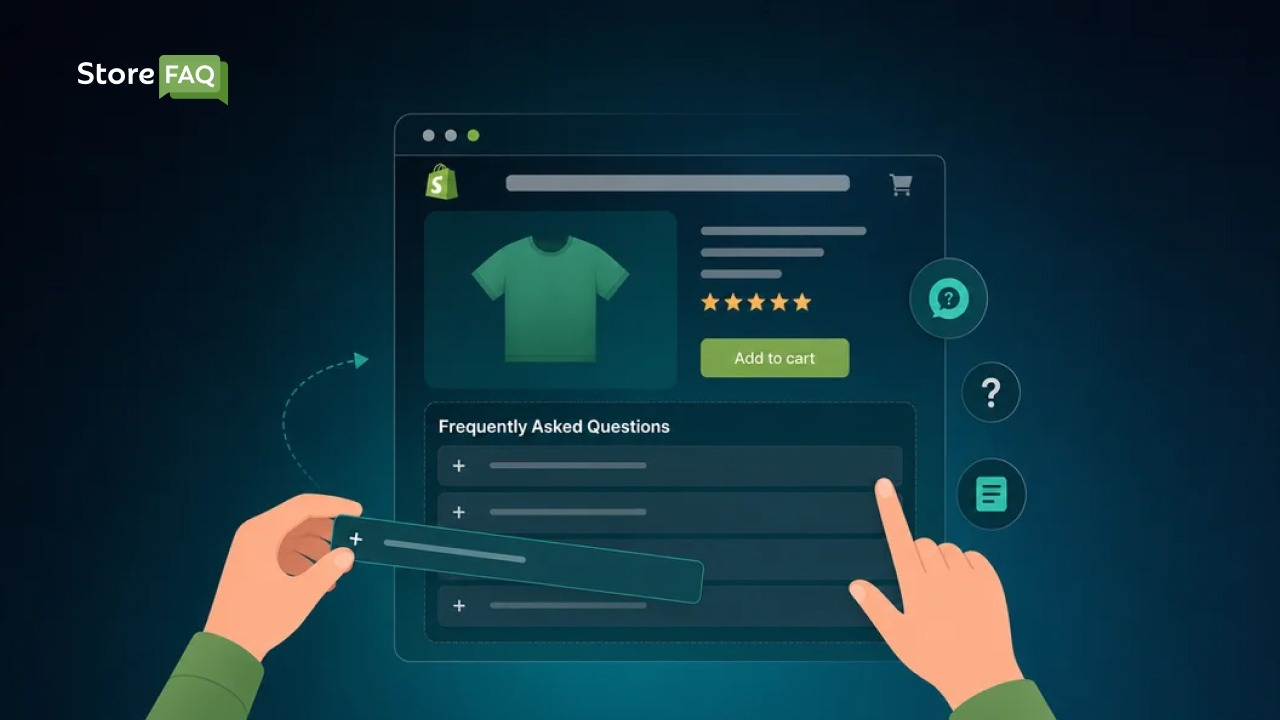
Search for Shopify FAQ page and you will find plenty of content on building a general help center. Search for the exact questions shoppers type in the moments before they buy, such as ‘does this store ship to Canada’ or ‘is my card information safe on this site,’ and the content thins out fast. Answering those specific, checkout-stage questions is where a store earns both the sale and the search traffic that competitors are missing.
The 12 Questions Every Shopify Store Should Answer Before Checkout
Optimizing the checkout experience starts long before a customer reaches the payment page. By proactively addressing key buyer questions from shipping costs and return policies to security assurances and delivery timelines, Shopify merchants can eliminate friction, build immediate trust and prevent abandoned carts.
These are 10+ critical questions every Shopify store must answer to turn browsing traffic into completed orders. We organize these into 4 groups so shoppers can scan them quickly and so search engines can understand the topic clusters on your page.
Shipping & Delivery Questions
Clear delivery expectations are essential for closing sales and preventing customer support inquiries. Addressing shipping timelines, costs and tracking options directly reassures buyers right before they commit to a purchase.
1. What will the shipping cost and how long will delivery take?
State your shipping rates and delivery windows in plain numbers, not vague ranges like ‘a few days.’ If rates vary by location or order size, say so and link to a full shipping policy page for the details. Extra costs like shipping, tax and fees are the single most cited reason shoppers abandon checkout, at roughly 48% according to Baymard, which makes this the highest-leverage answer on the list.
2. Do you ship to my country, and will I owe customs or import duties?
List the countries or regions you ship to and be direct about whether customs fees, VAT or import duties apply. International shoppers will not guess, and unclear landed cost is a close cousin of the extra-costs problem that drives the bulk of checkout abandonment. If you cannot answer this clearly, you will lose the order to a competitor who can.
3. How do I track my order once it ships?
Explain when tracking information is sent and where a customer can find it, such as an order confirmation email or their account dashboard. This question also reduces ‘where is my order’ tickets after the sale, which keeps your support team focused on higher-value conversations.
Payment & Checkout Security Questions
Shoppers need total confidence that their sensitive financial details are protected before completing a transaction. Clearly addressing payment methods, encryption standards and transaction safety eliminates last-minute hesitation and builds trust at the most critical stage of the buyer journey.
4. What payment methods do you accept?
List every option, including cards, digital wallets, buy-now-pay-later and local payment methods relevant to your audience. Baymard research puts the share of shoppers who abandon when their preferred payment method is missing at roughly 13%, so a shopper who cannot find their preferred option at checkout will often leave rather than search for an alternative.
5. Is my payment and personal information secure at checkout?
Reassure shoppers with specifics: SSL encryption, PCI-compliant processing and that you never store raw card details on your own servers. Distrust of a site with card details is consistently cited as a top-five checkout abandonment reason in Baymard’s surveys, which makes this one of the clearest trust signals a first-time visitor looks for before typing in a card number.
6. Are there any extra fees added at checkout beyond the price I see?
Be upfront about taxes, shipping surcharges or service fees before the customer reaches the final page. Surprise costs at the last step are the leading cause of checkout abandonment overall, so this answer protects a sale that was otherwise ready to close.
Returns, Changes & Problems Questions
A transparent return policy and accessible support give shoppers the safety net they need to buy with confidence. Outlining clear options for exchanges, order edits and issue resolution removes the risk from the transaction and turns hesitant visitors into loyal customers.
7. What is your return and refund policy?
State your return window, condition requirements and who covers return shipping in two or three sentences, then link to your full policy page for the fine print. An unsatisfying or unclear return policy is one of Baymard’s top-cited checkout abandonment reasons, so a generous, clearly stated policy reduces purchase anxiety even for shoppers who never end up needing to use it.
8. Can I edit, cancel or combine my order after placing it?
Tell shoppers exactly how much time they have to make changes and how to request them. This question matters most to repeat and bulk buyers, who often hesitate to check out if they are unsure whether a mistake can be fixed.
9. What happens if my order arrives damaged, wrong or missing an item?
Explain your process for reporting an issue and what resolution to expect, such as a replacement or refund within a set number of days. Answering this before the sale, not after, signals that you stand behind what you sell.
Fit, Trust & Checkout Extras Questions
Removing product uncertainty is key to helping customers press ‘buy’ without second thoughts. Clarifying sizing details, highlighting social proof and explaining upsells or extra options ensures buyers feel completely comfortable and confident in what they are purchasing.
10. How do I know I am ordering the right size or fit?
Link directly to a size chart or fit guide from the FAQ answer itself. Sizing and fit problems are consistently cited as the leading cause of apparel returns, responsible for as much as 60 to 70% of returns in fashion categories, so for apparel, footwear and any product with variable sizing, this is often the single biggest driver of both conversions and return rates.
11. Can I apply for a discount code, gift card or store credit at checkout?
Confirm where the code field appears in checkout and whether discounts can be combined. Shoppers who cannot find or apply a code they were expecting to use will frequently abandon rather than complete the purchase at full price.
12. Who do I contact if I run into a problem during checkout?
Provide a direct support channel, whether that is live chat, email or a contact form, and set a realistic response time expectation. A visible way to reach a real person is often enough to keep a hesitant shopper from leaving entirely.
Where to Place These FAQs So They Actually Get Seen
Writing the answers is only half the job. Placement determines whether a shopper sees them at the moment of doubt.
- Product pages: Sizing, shipping and return questions belong directly below the product description, not buried on a separate page.
- A dedicated FAQ page: Group the 12 questions above into the 4 categories so shoppers can scan straight to the section they need.
- Footer and main navigation: A visible link under ‘Help’ or ‘Support’ keeps the full FAQ reachable from anywhere on the site.
- Order confirmation email: Linking back to tracking and return questions here reduces post-purchase support volume.
A dedicated app makes this placement far easier to manage than manually editing theme code for every page. StoreFAQ helps you build FAQ groups and display them on your product pages, collection pages or a dedicated FAQ page without touching a single line of code, and you can add new FAQs to any of those groups in a few clicks whenever a new question starts showing up in your support inbox.
Write Answers That Search Engines Can Extract
Google and AI answer engines now favor content that states the answer in the first sentence, not buried three paragraphs down. Keep each FAQ answer to 2 or 3 sentences, lead with the direct answer and add a link for shoppers who want more detail.
This format supports FAQ schema, which helps search engines and AI systems parse your questions and answers, even though the schema markup itself no longer earns the expandable rich-result snippet it once did.

Google first restricted FAQ rich results to well-known, authoritative government and health sites back in August 2023. As of May 2026, Google removed FAQ rich results from Search entirely, closing that eligibility for every site, including the government and health sites that had kept it. Most stores lost the visible expandable snippet years ago, so this change mainly affects reporting: the FAQPage schema type is still valid and Google still parses it to understand your page, it just will not produce the old dropdown in the results themselves.
The underlying structure still matters, though: it feeds Answer Engine Optimization (AEO) and Generative Engine Optimization (GEO), the practices that determine whether tools like Google AI Overviews, ChatGPT or Perplexity cite your store when a shopper asks a checkout-related question in natural language.
StoreFAQ generates that structured FAQ schema automatically whenever you publish or update a FAQ, so the markup stays accurate for AI and search crawlers without manual edits.
How to Find Your Store’s Real Pre-Checkout Questions
Every store faces unique buyer concerns depending on its products, audience and price point. The 12 questions above are a strong starting point but every store has its own variations worth adding:
- Check your support inbox and live chat logs for the exact phrasing customers use before they buy.
- Review Google Search Console for queries with high impressions and low clicks, which often signal an unanswered question.
- Read your cart abandonment and checkout drop-off data to see where shoppers stall.
- Ask an AI assistant what people typically ask before purchasing a product like yours, then compare the results against your own inbox.
Once you have your list, keep it current. A stale FAQ with outdated shipping times or an old return window does more damage than no FAQ at all, since it actively misleads a shopper who trusted the answer.
Measuring Whether Your Checkout FAQs Are Working
Adding pre-checkout FAQs is only the first step, tracking their performance ensures they actually boost conversions. Monitoring key metrics like cart abandonment rates and support ticket volume reveals whether your answers are successfully removing buyer hesitation.
Track 3 signals over the following month:
- Cart and checkout abandonment rate: A drop here suggests your FAQs are resolving hesitation before it turns into an exit.
- Support ticket volume for the same questions: Fewer repeat emails about shipping cost or return policy means the FAQ is doing its job upstream.
- Time on the FAQ section before purchase: Analytics showing shoppers view an FAQ answer and then complete checkout is a strong sign the placement is working.
Put These Shopify FAQ Best Practices to Work Today
Every one of these 12 questions already exists in your customers’ minds before they reach checkout. The only choice is whether they find the answer on your store or go looking for it somewhere else, often a competitor’s site. Write the answers once, place them where hesitation happens and update them as your policies change.
If you are ready to put this into practice, StoreFAQ gives Shopify merchants an easy way to build, organize and display checkout-ready FAQs across product and collection pages, complete with automatic schema markup.
Install StoreFAQ today, generate your first FAQ group with AI and publish your optimized page. The positive results will show up in your support volume before the week is out. Want more guides like this? Subscribe to the StoreFAQ blog for the latest Shopify tips and updates.