


Schema markup changed dramatically in 2026 and a lot of the advice still floating around is now wrong. In May 2026, Google retired FAQ rich results from Search entirely. Around the same time, Google published its first official guidance on generative AI search and stated plainly that there is no special schema you need to add to appear in AI Overviews or AI Mode.
So where does that leave eCommerce stores that were told to ‘combine FAQ schema with Product schema to win AI search?’ The honest answer is more useful than the hype: Product schema is still one of the most valuable pieces of markup an online store can implement, while FAQ content still helps both shoppers and Shopify AI Search systems understand your products more clearly.
This guide breaks down what actually works today, what quietly stopped working, and how to implement Product and FAQ schema correctly on Shopify, using StoreFAQ to do it without touching code.
Key Takeaways
- ❇️ FAQ rich results are gone: As of May 7, 2026, Google no longer shows FAQ rich results in Search for any site. The FAQPage markup is still valid Schema.org, but it no longer produces a visible search feature.
- ❇️ There is no ‘AI schema’: Google confirms no special structured data is required for AI Overviews or AI Mode. Schema helps you earn rich results in regular Search, which can indirectly feed AI features. The causation is two steps removed, not direct.
- ❇️ Product schema is the real eCommerce workhorse: Merchant listing markup still powers price, availability, ratings, and shopping experiences across Google Search, Images, and Lens.
- ❇️ FAQ content still matters, minus the rich result: Clear, answer-first Q&A helps shoppers self-qualify and gives AI systems clean passages to extract and cite.
- ❇️ Accuracy beats volume: Structured data must match what a real user sees on the page, or you risk a manual action. Automation that keeps schema in sync with live product data is now the priority.
The Modern Use of FAQ Schema for Shopify Stores
For years, the standard playbook behind FAQ Schema and Product Schema was simple: add FAQ schema to earn expandable Q&A dropdowns in search, add Product schema for star ratings and price, then use both together to improve your Shopify store’s visibility.
| Date | Update |
| Aug 2023 | FAQ Rich Results limited to government and health sites |
| May 2026 | FAQ Rich Results fully removed |
| June 2026 | FAQ Rich Results Test support removed |
| Aug 2026 | Search Console FAQ API retired |
FAQ Rich Results Were Fully Deprecated
On May 7, 2026, Google added a deprecation notice to its FAQPage documentation confirming that FAQ rich results no longer appear in Google Search.
This was the final step in a long retreat. Back in August 2023, Google had already restricted FAQ rich results to ‘well-known, authoritative government and health websites’, which meant most commercial stores had effectively lost the feature nearly three years earlier. The 2026 update closed the loop and removed the remaining eligibility for everyone.
The rollout happens in stages: the rich results stopped appearing on May 7, 2026; the FAQ report and Rich Results Test support were removed in June 2026; and Search Console API support for FAQ data disappeared in August 2026.
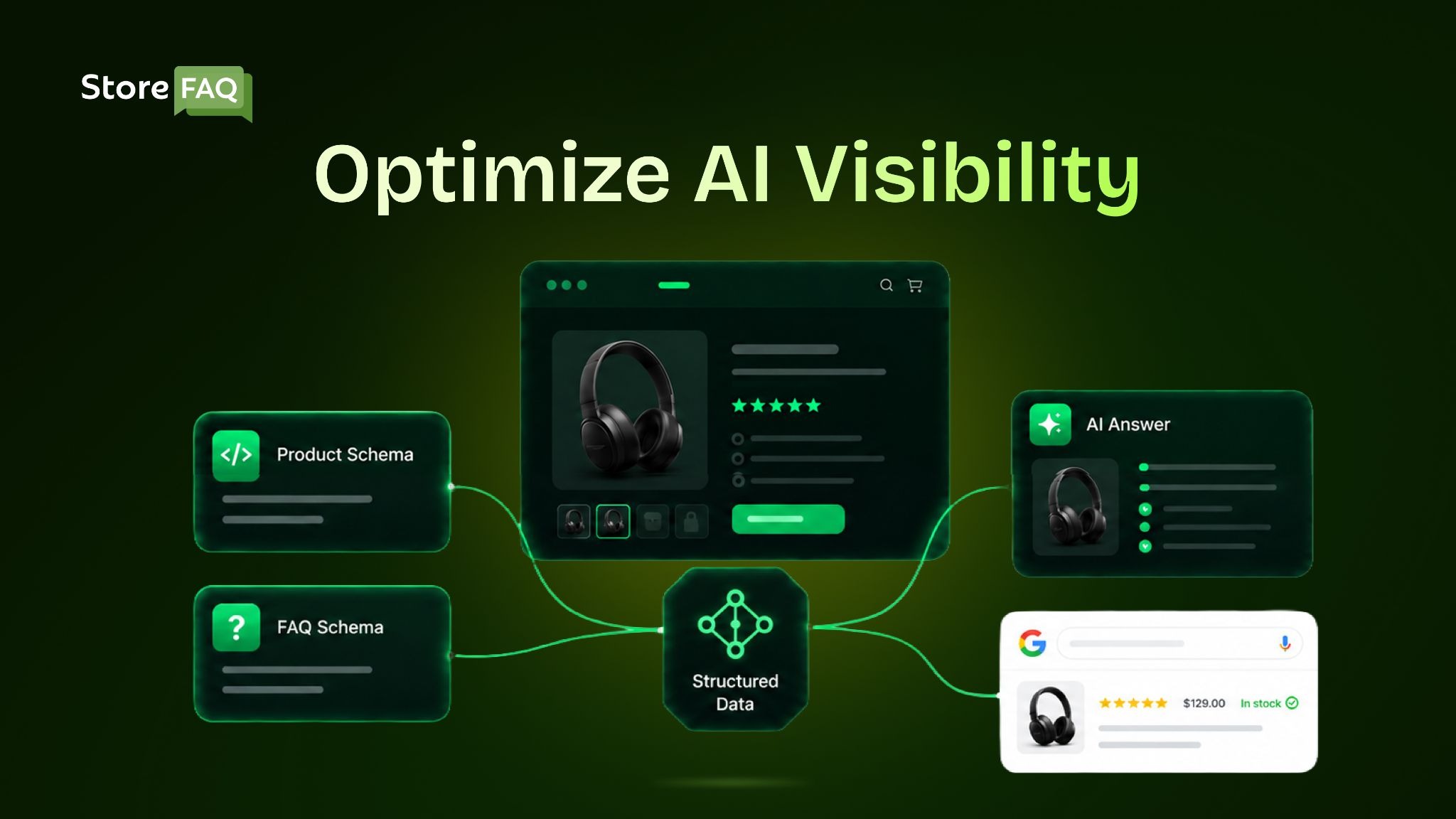
Here is the crucial difference most people miss. FAQ schema is markup that helps machines understand a chunk of Q&A content. FAQ rich results were a display feature that rendered that markup as a dropdown under your listing. Google ended the display feature. The comprehension layer still exists.
FAQPage remains a valid Schema.org type and Google has confirmed that leaving the markup in place causes no problems. It simply no longer produces a visible SERP enhancement.
Google Said the Quiet Part Out Loud about AI Search
In May 2026, Google published its first official generative AI search guidance and used it to debunk several popular tactics. The headline for our purposes:
“Structured data isn’t required for generative AI search, and there’s no special schema.org markup you need to add. However, it’s a good idea to continue using it as part of your overall SEO strategy, as it helps with being eligible for rich results.”
— Google Search Central, AI Features and Your Website
In other words, there is no AIPage type, no ‘LLM-optimized’ property and no magic markup that gets you into AI Overviews. AI Overviews and AI Mode draw from the same index as organic Search and rely on the same foundations. The same principles also apply to Shopify AI Search, where helpful content, accurate product data and strong technical SEO improve visibility.
💡 Schema still earns you rich-result eligibility, and rich results are one surface AI Overviews can pull from. So schema helps AI visibility indirectly. Treat it as trust and clarity infrastructure, not as a citation lever.
What Is FAQ + Product Schema Strategy
The strategy behind FAQ Schema and Product Schema was often promoted as a shortcut to AI search visibility. While that claim was overstated, combining these two schema types with helpful content remains a smart SEO practice for Shopify stores:
| Old framing (outdated) | Accurate 2026 framing |
| FAQ schema wins Q&A dropdowns in search | FAQ rich results are gone; FAQ content still helps users and AI extraction |
| Schema ‘feeds directly into’ AI Overviews | No special schema is required; schema aids comprehension and rich-result eligibility |
| Stacking schemas is an AI ranking hack | Well-structured, accurate content is the ranking factor; schema is supporting infrastructure |
| Product schema is one of several nice-to-haves | Product/merchant markup is a core, still-active driver of eCommerce rich results |
What Is Product Schema
Unlike FAQ rich results, product markup is very much alive and remains one of the highest-value investments an online store can make. Google supports two closely related flavors of Product structured data:
Product snippets for pages where a product is described but not directly purchasable (for example, editorial review pages). These support richer review details like pros and cons.
Merchant listings for pages where a customer can buy the product from you. These support detailed commercial data like price, availability, shipping and return policy.
For a typical Shopify store, your product pages are merchant listings. Implemented correctly, they make you eligible for enhanced experiences across Google Search, Google Images and Google Lens.
What Product Schema Can Put in Front of Shoppers
Product Schema helps search engines understand important details about your products, making them eligible for enhanced search results. When implemented correctly, it can display valuable information that attracts shoppers and encourages more clicks:
| Element | How it appears in Search | Why it drives conversions |
| Star ratings | Average customer rating shown beneath the title (requires valid AggregateRating) | Social proof reassures buyers before they click |
| Price | Current price, and sale price when applicable | Makes comparison effortless and highlights deals |
| Availability | ‘In stock,’ ‘Out of stock,’ or limited availability | Sets expectations and reduces post-click friction |
| Brand | Your brand name alongside the listing | Reinforces credibility and entity recognition |
| Shipping and returns | Delivery estimates and return windows on eligible listings | Answers logistics questions before the visit |
| Images | Product thumbnails in results, Images, and Lens | Boosts engagement and visual discovery |
Not every product listing will display every enhancement. Google determines which rich result elements appear based on your structured data quality, page content and search intent.
💡Product rich results only support pages focused on a single product (or variants of the same product, each on its own URL). A collection page like ‘running shoes’ is not eligible. Mark up individual product pages, not category listings.
The Required & Recommended Fields
If you also run a Google Merchant Center feed, keep your on-page schema, landing page and feed telling the same story. Consistency across all three is what builds the data trust that keeps listings eligible and compelling. Some experiences even blend data from both sources.
Google’s merchant listing documentation is specific about what a valid product entity needs. At minimum, aim for:
Required: name, image, and a valid offers block containing price, priceCurrency, and availability.
Strongly recommended: brand, aggregateRating and review (only if you genuinely collect them), plus product identifiers like gtin or mpn, and description.
The more complete and accurate your product data, the more eligible you are for the full range of shopping experiences, and the more Google can trust and verify what it reads.
FAQ Schema & FAQ Content: The New Reality
FAQ markup no longer earns a search feature, so should you bother? The answer depends on separating two things that used to be bundled together.
Skip FAQ markup if you were only adding it to win the dropdown. That reason no longer exists and leaving stale, hidden or schema-only questions on the page can actively hurt you.
Keep investing in FAQ content if it genuinely helps shoppers. Real questions about sizing, compatibility, shipping, warranty and use cases answer objections that otherwise cost you the sale. And because AI systems favor clear, self-contained answers, well-written product FAQs give those systems clean passages to extract and potentially cite.
You can still wrap that content in valid FAQPage markup if you want the machine-readable structure; it simply will not produce a visible SERP enhancement anymore. What matters far more than the markup is that the Q&A is visible on the page, genuinely useful and unique to the product.
⚠️ Warning: Google requires structured data to match visible content. Never mark up questions and answers that are not actually on the page and never copy the same FAQ block across dozens of products.
Both are guideline violations that can trigger a manual action and duplicated FAQs read as thin content to search engines and AI systems alike.
How FAQ Content Helps AI Answers in Practice
Imagine a shopper asks an assistant, ‘How long does this wireless speaker’s battery last?’ If your product page buries that detail in a wall of marketing copy, the AI has to hunt for it and may guess wrong or skip it.
If your page includes a crisp, answer-first FAQ (‘Battery life: up to 12 hours on a full charge, with fast-charge to 80% in 30 minutes’), the system has a clean, quotable passage. You are not winning because of the JSON-LD; you are winning because the answer is clear, specific and easy to extract.
Why Pairing Product Schema with FAQ Content Still Wins
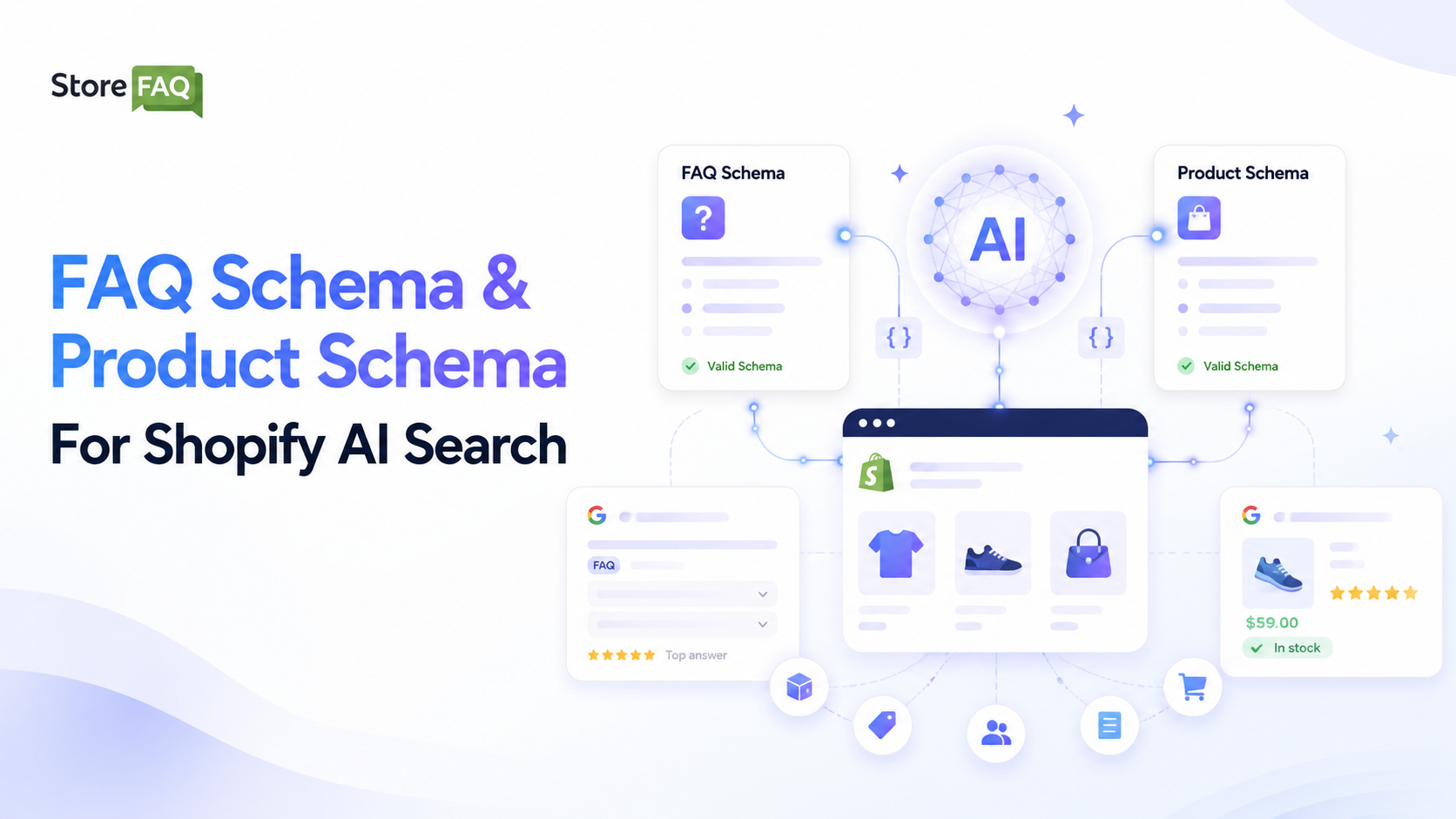
FAQ Schema and Product Schema work together to create a stronger search experience. Product Schema helps search engines understand your products, while FAQ content answers common customer questions before they buy.
Combining both helps search engines better understand your products while giving shoppers the answers they need before making a purchase.
Product data and Q&A content serve different moments in the buying journey. Used together, they cover more of it:
| Layer | Serves | Typical intent |
| Product / merchant schema | Price, availability, ratings, shipping | Transactional (“buy,” “price,” “in stock”) |
| FAQ content (optionally marked up) | Concerns, use cases, compatibility | Informational (“does it,” “how do I,” “can I”) |
| Combined | The full research-to-purchase path | Both stages |
Research phase: A shopper searching “is this speaker waterproof?” finds a clear answer in your on-page FAQ, which AI systems can surface.
Evaluation phase: A shopper comparing options sees your product rich result with price, rating and availability.
Decision phase: A ready-to-buy shopper gets complete, accurate product information and fewer reasons to bounce.
The synergy is not a ranking trick. It is simply good merchandising, expressed in a way both people and machines can parse.
Schema Best Practices for 2026
Following schema best practices helps search engines understand your Shopify store more accurately while improving your chances of earning rich results and AI visibility.
Keep these recommendations in mind to ensure your structured data remains accurate, compliant and effective in 2026:
✅ Mark up individual product pages, not collection pages: Google only considers single product or product variant pages for Product rich results, so adding Product Schema to collection pages provides little benefit.
✅ Keep your schema synchronized with live data: Ensure prices, availability and other product details always match your store. Outdated information can reduce trust with both Google and potential customers.
✅ Match schema with visible content: Every piece of structured data should reflect what users actually see on the page. Mismatched or hidden markup may lead to manual actions from Google.
✅ Use JSON-LD format: JSON-LD is Google’s recommended format because it is easier to implement, maintain and update without affecting your page’s HTML.
✅ Create unique and helpful FAQs: Write original questions and answers that address real customer concerns. Generic or duplicated FAQs add little value for users or search engines.
✅ Prioritize high-impact schema types: Focus first on Product Schema and Organization Schema, as they provide the greatest value for Shopify stores. Other schema types can be added later to strengthen your overall structured data strategy.
✅ Validate before and after publishing: Test your markup with Google’s Rich Results Test and Schema Markup Validator to catch errors early and confirm your structured data is eligible for rich results.
Common Schema Mistakes That Cost You Visibility
Even small schema mistakes can reduce your eligibility for rich results and make it harder for search engines and AI systems to understand your content. Avoid these common issues to maintain strong search visibility and reliable structured data.
| Mistake | What it does |
| Incomplete Product schema | Missing price or availability means no rich result and weaker AI understanding |
| Generic, low-value FAQs | Vague questions and answers add nothing for shoppers or AI |
| Duplicate FAQs across products | Creates thin, repetitive content search engines ignore |
| Schema/content mismatch | Marking up content users can’t see violates guidelines |
| Validation errors | Syntax mistakes make markup unusable |
| Stale data | Outdated prices or stock damage trust |
| Chasing deprecated features | Adding FAQ markup to “win the dropdown” targets a feature that no longer exists |
| Using AI-generated FAQs without reviewing them | Edit every FAQ for accuracy, product relevance and uniqueness |
How to Measure Schema Success in 2026
Implementing FAQ Schema and Product Schema is only part of the process. You also need to measure whether your structured data improves search visibility, attracts qualified traffic and supports business growth. Since Google is retiring the dedicated FAQ reports in Search Console, it is important to focus on the metrics that matter most in 2026.
Track Product Rich Results in Google Search Console
Although the FAQ rich result reports are being retired, Merchant Listings and Product Snippets reports remain valuable. Review them regularly to identify valid products, fix errors and address warnings that could affect your eligibility for rich results.
Analyze Search Performance by Page
AI Overviews and AI Mode traffic is included in your standard Web Search performance report rather than a separate AI report. Monitor impressions, clicks, CTR and average position for your product and FAQ pages to understand how they perform over time.
Compare Click-Through Rates
Compare pages with complete Product and FAQ Schema against pages with little or no structured data. A higher click-through rate often indicates that rich results are making your listings more appealing in search.
Measure Conversions & Customer Experience
The goal is not just more traffic but better results. Track whether pages with detailed FAQs lead to higher conversions, fewer support requests or faster purchasing decisions. Helpful FAQs often answer customer questions before they become support tickets.
Monitor Structured Data Health
Treat structured data as ongoing maintenance rather than a one-time task. Regularly check for schema errors, missing required fields and validation issues using Google Search Console and the Rich Results Test.
💡 If your reporting dashboards still use the FAQ rich result data from the Google Search Console API, update them before August 2026. After that, those reports will no longer return FAQ-specific data.
Advanced Strategies for Entity & AI Visibility
Adding Product Schema and FAQ Schema is a great start but it is no longer enough to maximize visibility in AI powered search. Modern search engines and AI assistants do more than read structured data. They analyze your website to understand your business, products, content and how everything connects.
This is where entity optimization becomes important. An entity is a person, brand, product, place or concept that search engines can clearly identify and understand. Strong entity signals help Google, ChatGPT, Gemini and other AI platforms recognize your Shopify store as a trustworthy source. They also improve how your products are understood in Shopify AI Search experiences.
Build Entity Clarity with Organization & Breadcrumb Schema
Organization Schema tells search engines who owns and operates your Shopify store. It includes details such as your business name, logo, website URL, social media profiles and contact information. Keeping this information consistent across your website and other online platforms helps Google connect your business to its Knowledge Graph and verify your brand.
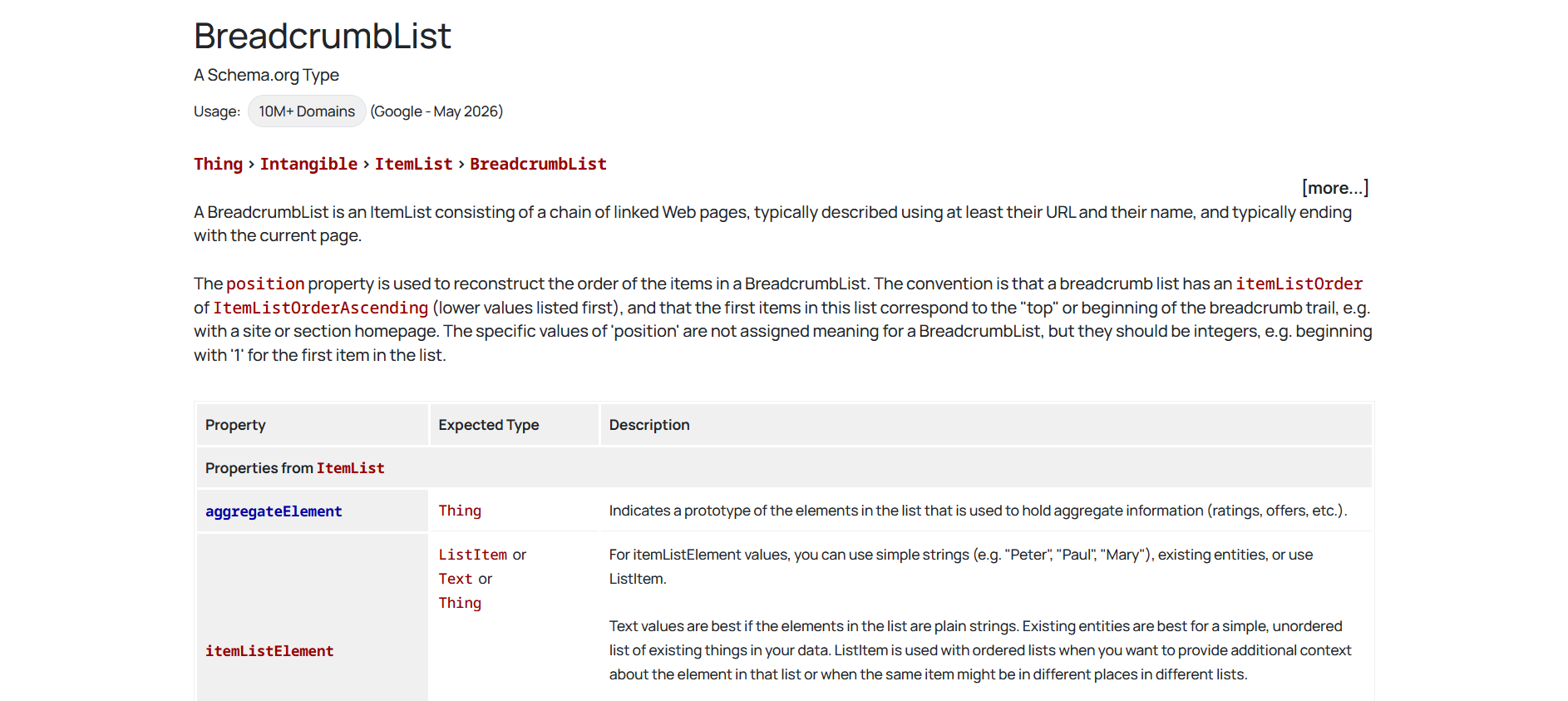
Breadcrumb Schema provides another important signal. It shows the relationship between pages and products throughout your website, making your store structure easier for both users and search engines to understand. In many cases, breadcrumb navigation also appears directly in Google Search results, creating cleaner and more informative listings.
Although these schema types are simple to implement, they help AI systems understand your business more accurately and strengthen your overall entity profile.
Use Review & AggregateRating Schema Responsibly
Customer reviews play an important role in building trust. They also provide valuable information that search engines can display as star ratings in eligible search results.
Only add Review and AggregateRating Schema for reviews that customers have genuinely submitted through your store or a trusted review platform. Avoid creating fake reviews or marking up ratings that are not visible on the page, as this violates Google’s structured data guidelines and may prevent your rich results from appearing.
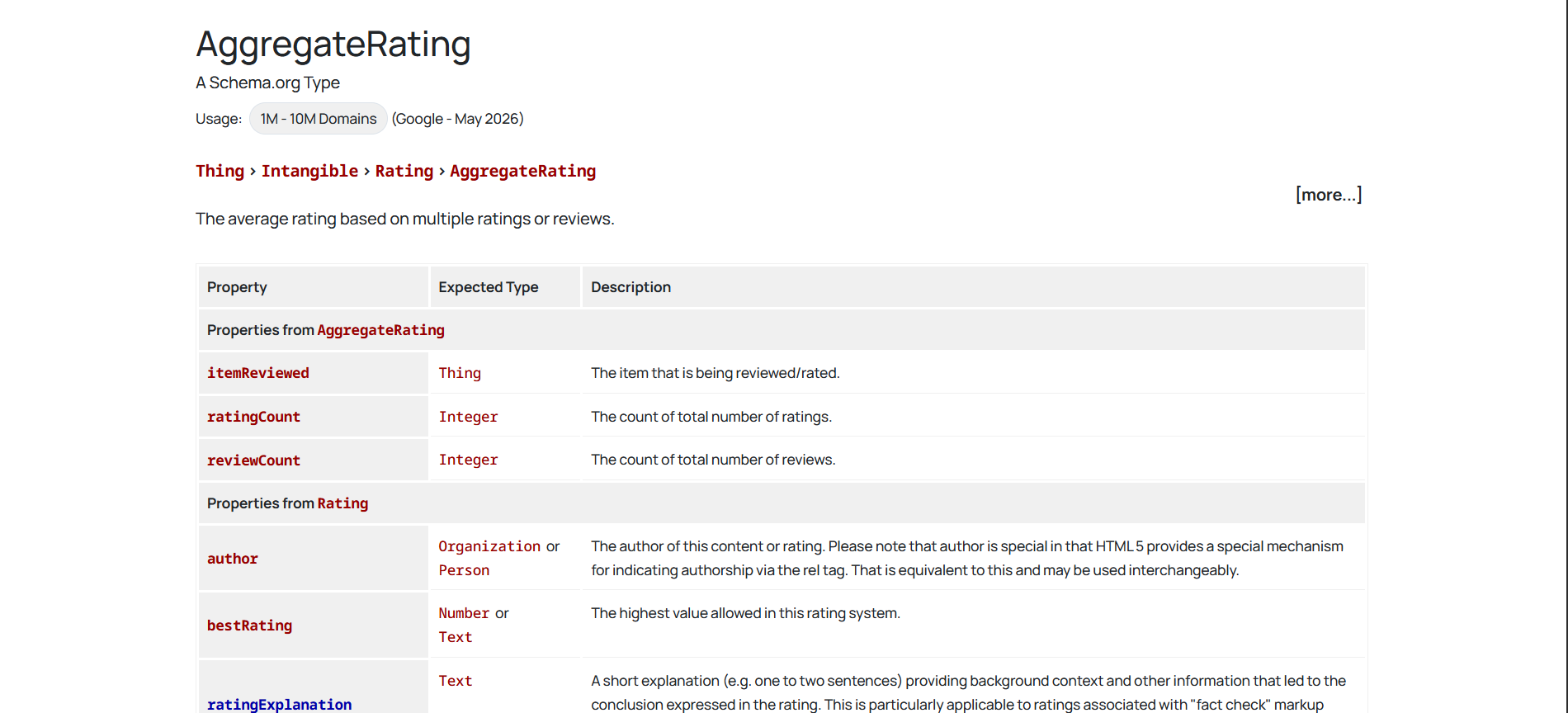
Connecting your Shopify store with a trusted review app also helps keep ratings accurate and automatically updates your structured data whenever new reviews are published. Fresh and authentic reviews strengthen both user trust and AI confidence in your products.
Enrich Your Store with Image & Video Data
AI search is becoming increasingly visual. Instead of relying only on text, AI systems now analyze images, videos and other multimedia content to better understand products.
Adding detailed image information through ImageObject Schema helps search engines identify product images more accurately. Likewise, including product videos, demonstrations or tutorials gives AI additional context about how a product looks, works and benefits customers.
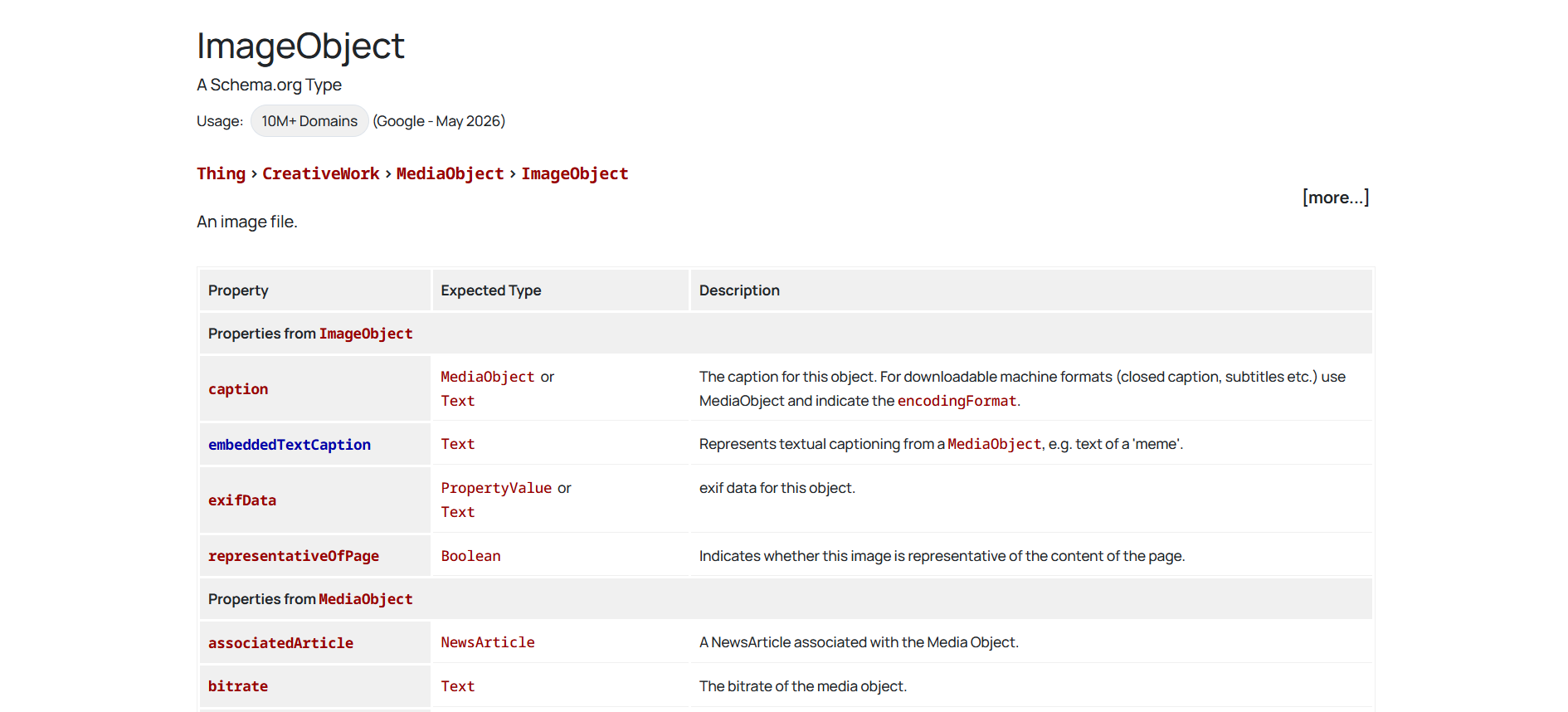
When supported, including product videos in your Google Merchant Center feed can also improve your visibility across Google Shopping and other AI powered shopping experiences. Rich visual content creates stronger signals that help AI understand and recommend your products.
Handle Product Variants Correctly
Many Shopify stores sell products with multiple options such as colors, sizes, materials or styles. Each variant should be represented accurately so search engines can display the correct information to shoppers.
If individual variants have their own URLs, each page should include its own Product Schema with the correct price, availability, SKU and product details. This allows Google to understand each variation separately and display the most relevant option in search results.
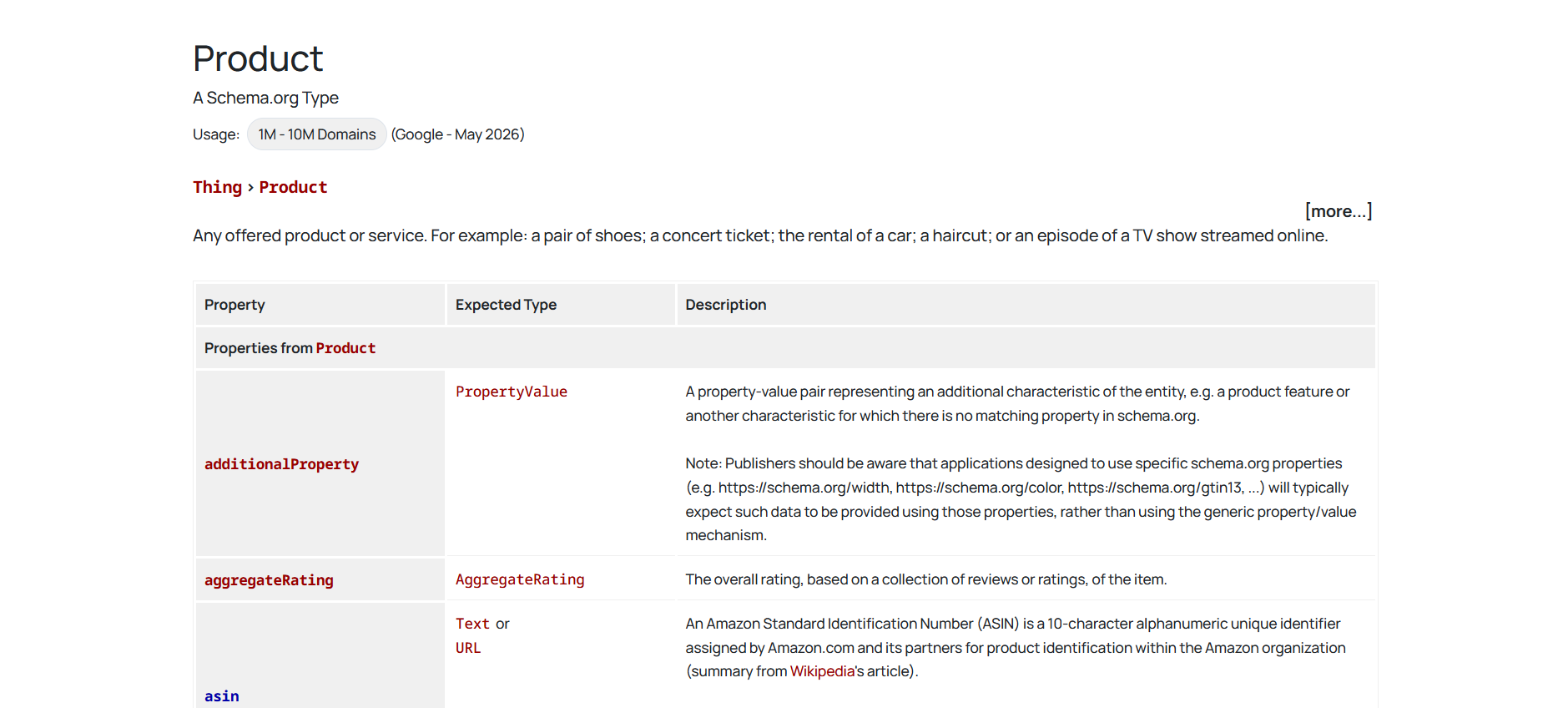
Properly structured product variants also reduce confusion for AI systems, ensuring customers see accurate information when they receive AI generated shopping recommendations or search results.
Frequently Asked Questions
Is the FAQ schema dead in 2026?
Should I remove the FAQ schema from my pages?
Does adding schema get me into AI Overviews?
What schema types still produce rich results for eCommerce?
How many FAQs should I add to a product page?
Does structured data have to match my page content?
Start Building Smarter Shopify FAQs Today
The schema landscape looks very different than it did even a year ago and that’s good news if you know where to aim. FAQ rich results are gone and no markup is a shortcut into AI Overviews, so the tactics built on those promises no longer pay off. What remains is more durable: a complete, accurate Product schema that still drives real shopping experiences and clear FAQ content that helps shoppers decide and gives AI systems something worth quoting.
Rather than chasing every new SEO trend, focus on structured data that accurately represents your products and content. This approach helps your store stay visible across traditional search results and Shopify AI Search experiences as search continues to evolve.
If this blog helped you, please subscribe for more simple guides, tutorials and tips to grow your Shopify store.