


If you run a Shopify store and write blog content, you have probably heard that structured data can help your pages rank better. But when it comes to picking between an FAQ Page schema, a QAPage schema, and a product schema for your blog posts, most tutorials either gloss over the differences or give you conflicting advice. One wrong choice and Google ignores your markup entirely.
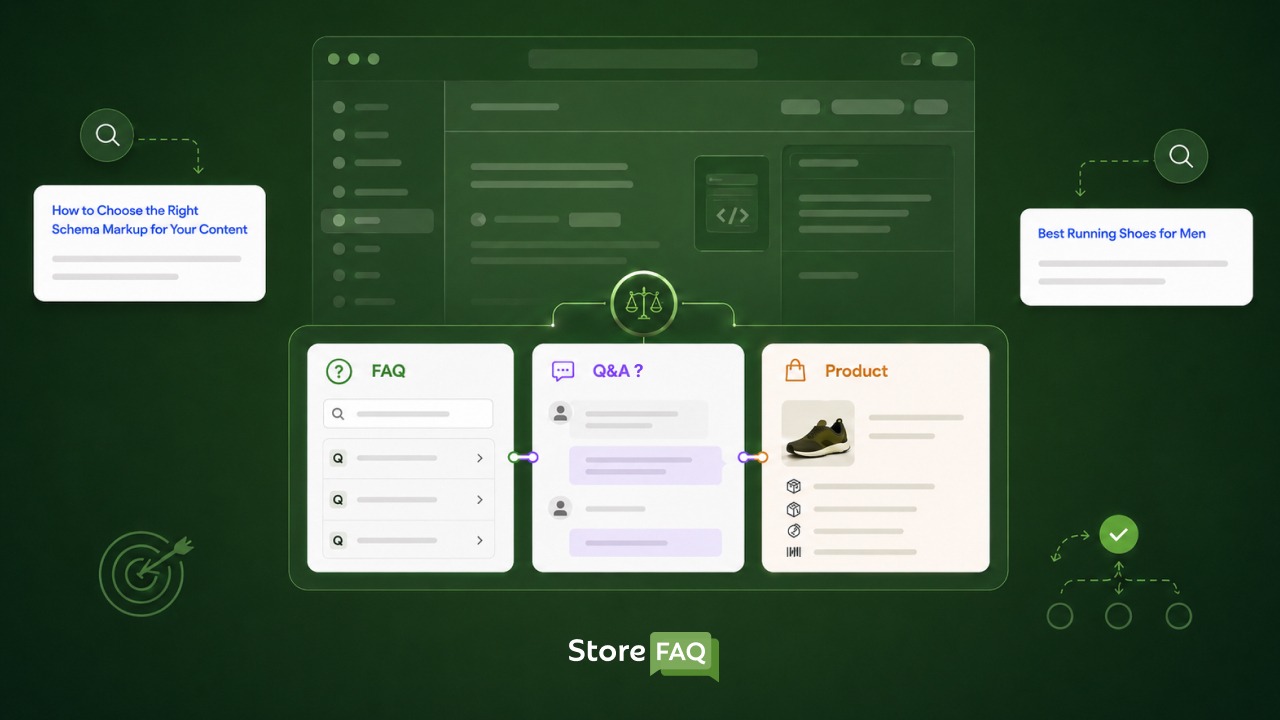
This guide breaks down all three schema types, explains where each one belongs, and tells you exactly which one to use on your Shopify blog posts so you stop wasting time on structured data that does nothing.
TL;DR
| Schema Type | Best For | Use on Shopify Blog? |
| FAQ Page | Publisher-written Q&A on any page or blog post | Yes, if your post has a visible FAQ section |
| QA Page | Community or forum pages where users submit answers | No (unless your blog is a forum-style page) |
| Product Schema | Product detail pages with price, availability and reviews | Never on a blog post |
What Is Structured Data & Why Does It Matter for Shopify Blogs
Structured data is machine-readable code added to your webpage that helps search engines understand your content beyond just reading the words. Think of it as a label system for Google. Instead of guessing whether a block of text is a product listing or a helpful article, structured data tells Google exactly what it is looking at.
For Shopify merchants, this matters because the platform serves multiple content types from one store. Product pages, collection pages and blog posts all live under the same domain. Without clear, structured data signals, Google may categorize your blog content incorrectly, which means you miss out on relevant rich results and potential AI Overview citations.
Shopify’s modern themes like Dawn already include Product, Organization and BreadcrumbList schema by default on product pages. But blog posts are a different story. The platform does not automatically inject FAQ Page or QAPage schema because those types depend entirely on the content you write, not the page template itself.
Why Schema Choice on Blog Posts Is Often Wrong
A common mistake Shopify store owners make is applying no structured data at all to their blog posts, or worse, accidentally letting an SEO app inject Product schema across all page types. Assigning the wrong schema type creates what SEOs call semantic confusion. Search engines and AI systems rely on this structured data to understand your content’s purpose, and when it is inaccurate, your content gets misclassified and misses out on enhanced results.
The good news is that once you understand the three types below, the right choice becomes obvious.
FAQ Page Schema: The Right Choice for Most Shopify Blogs
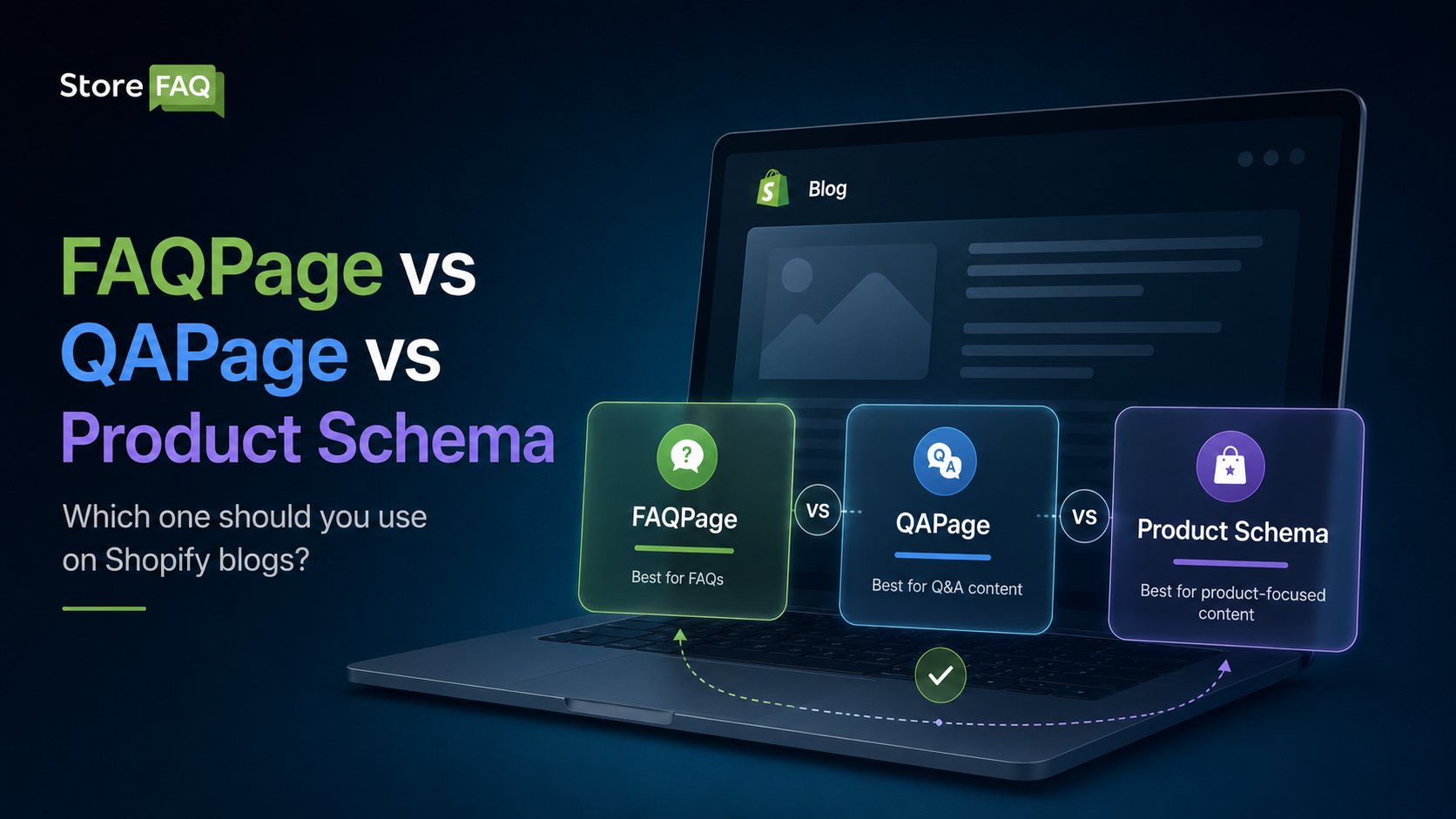
The FAQ Page schema is the structured data type designed for pages where a publisher (that is, you, the store owner) writes a fixed list of questions and provides a single authoritative answer to each one. It is the most relevant schema type for Shopify blog posts that include an FAQ section.
When correctly implemented, the FAQ Page schema helps search engines understand which parts of your content are structured Q&A pairs. This makes your blog posts much easier for Google’s AI systems to parse, cite in AI Overviews and surface in voice search results.
What FAQPage Schema Actually Does in 2026
Here is where many Shopify store owners get confused. Google formally restricted FAQ rich results (the expandable SERP dropdowns that used to appear for everyone) and those are now almost exclusively shown for government and health websites. So if you were expecting your FAQ schema to immediately produce a dropdown accordion in search results, that ship has largely sailed for commercial stores.
However, the FAQ Page schema is far from dead. It still delivers real SEO value in three important ways:
- AI Overview citations: Platforms like Google AI Overviews, Perplexity, Bing Copilot and ChatGPT increasingly pull from structured data to generate answers. Well-marked FAQ content is far more likely to be cited as a source.
- Voice search eligibility: Voice assistants favor content with clear structured Q&A formats. FAQPage schema makes your answers directly readable by these systems.
- Faster crawl and indexing signals: Structured data helps Google categorize your content faster, which matters when you publish fresh blog content.
Rules for Using FAQ Page Schema on Shopify Blogs
The schema is only valid if you follow Google’s content matching rule: every question and answer in your JSON-LD must be visibly present on the page as actual readable text. If your FAQ schema references questions that are hidden behind collapsed accordions or do not appear as text at all, Google may ignore the markup or flag it as misleading.
A few other practical rules to keep in mind:
- Aim for 3 to 10 FAQ questions per blog post
- Keep answers between 40 and 300 words for best display performance
- Use JSON-LD format, which Google explicitly recommends over older Microdata formats
- Never mix FAQ Page and QAPage schema on the same URL
Here is a minimal FAQPage JSON-LD example for a Shopify blog post:
{

  "@context": "https://schema.org",

  "@type": "FAQPage",

  "mainEntity": [

    {

      "@type": "Question",

      "name": "What is the best schema for a Shopify blog post?",

      "acceptedAnswer": {

        "@type": "Answer",

        "text": "Use FAQPage schema if your blog post includes a visible Q&A section with publisher-written answers."

      }

    }

  ]

}
QA Page Schema: For Community Questions, Not Blog Posts
The QAPage schema is completely different from the FAQPage schema. According to Google’s documentation, the QAPage type is meant for pages built around a specific question where multiple users can submit different answers. This schema is mainly used for forums, community discussions and Reddit-style question threads.
The core distinction is simple: FAQPage is for one question with one authoritative answer. QAPage is for one question with multiple user-submitted answers.
Why QAPage Schema Does Not Belong on Shopify Blog Posts
If your Shopify blog post reads like a regular editorial piece or a how-to guide with a FAQ section at the bottom, QAPage schema is the wrong type. Google will only use Question-structured data from pages with QAPage markup if the page genuinely matches that format.
Using QAPage on a blog post that is not actually a community Q&A page creates a schema-to-content mismatch. This is one of the most common structured data mistakes that hurts SEO rankings. Google and AI systems rely on schema to classify content, and when the label does not match the reality, your page gets downgraded, or the markup gets ignored entirely.
When QAPage Actually Makes Sense
If you run a Shopify store with a community section, a help forum, or a customer Q&A feature where shoppers post questions and other customers or staff reply with different answers, QAPage is the correct choice for those pages. The key signal is multiple people submitting answers to one question.
Outside of that specific use case, stick with FAQPage for your blog content.
Product Schema: Only for Product Pages, Never Blog Posts
Product schema is the structured data type that tells Google a page represents a product for sale. It unlocks rich results showing price, availability, star ratings and review counts directly in search results. This is enormously valuable for Shopify product detail pages.
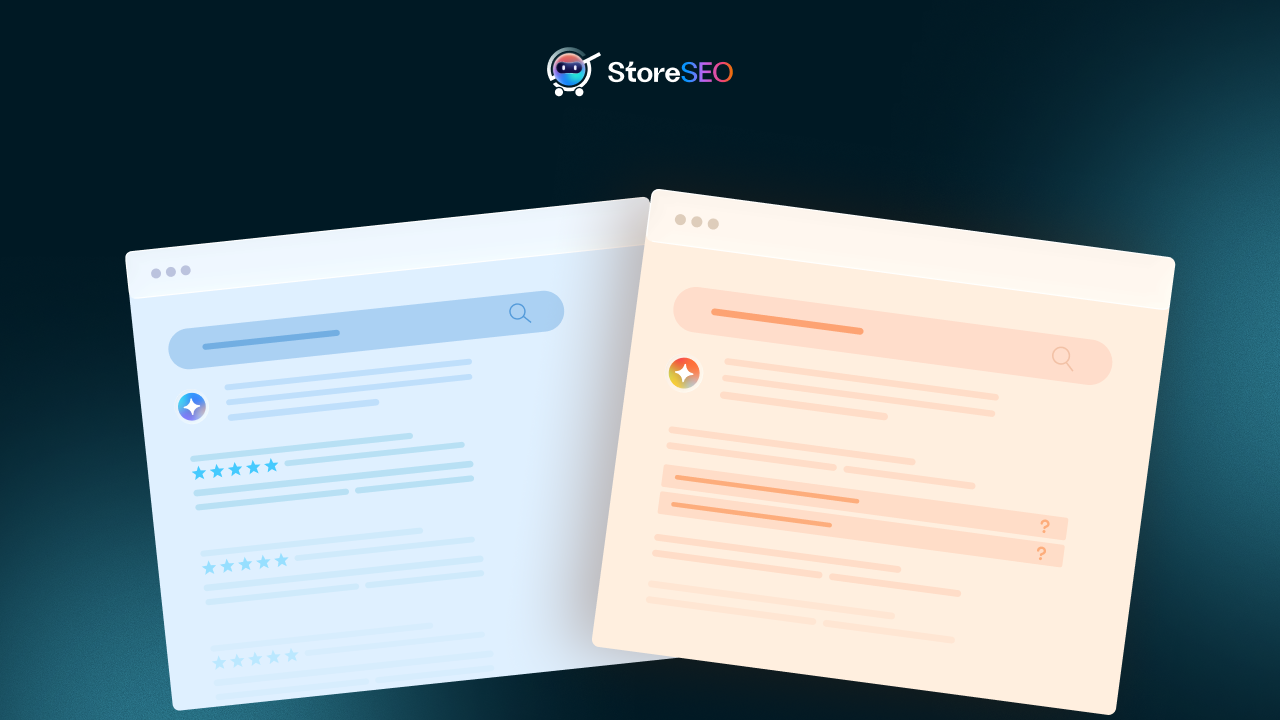
Modern Shopify themes already inject the Product schema automatically on product pages. Dawn and most current themes include it by default, and you can verify this by opening any product page’s source and searching for application/ld+json.
The Blog Post Mistake You Need to Avoid
One of the most damaging structured data errors in Shopify stores is having Product schema appear on blog post pages. This happens in two common scenarios.
First, some SEO apps add schema markup across all page types without distinguishing between product pages and blog pages. If the app injects Product schema on a blog post about ‘how to choose running shoes,’ Google sees a mismatch between the schema type (Product) and the actual content (an editorial guide). The content misses out on relevant rich results and the semantic signal confuses AI systems trying to understand what your page is about.
Second, a duplicate schema is its own problem. If you install an SEO app that adds Product schema on top of Shopify’s built-in Product schema, Google may suppress rich results entirely for those product pages. The fix is to choose one source of truth and eliminate the duplicate.
What Product Schema Should Include
For reference, here are the core properties that make Product schema valuable on actual product pages:
- name (required)
- image (required for rich results)
- description
- sku
- offers with price, priceCurrency and availability
- aggregateRating with ratingValue and reviewCount
Shopify’s built-in Product schema updates dynamically as your prices and inventory change. Custom-added schema may hardcode values that go stale, which is another reason to be careful about layering additional Product schema on top of the platform’s default.
The Right Schema Stack for Shopify Blog Posts
Now that you understand all three types, here is exactly how to think about schema for your Shopify blog content.
Every Shopify blog post benefits from at minimum a Blog Posting or Article schema (which covers author information, publish date and headline). On top of that, if your post includes a FAQ section with visible questions and publisher-written answers, layer in FAQ Page schema as a separate script block.
A well-optimized Shopify blog post schema stack looks like this:
- Article or BlogPosting schema as the base layer
- FAQPage schema added as a second block if a FAQ section exists
- BreadcrumbList schema to signal site structure
- Never Product schema on a blog post
This layered approach maximizes the structured data signals Google and AI engines can extract from your content without creating semantic conflicts.
How to Add FAQPage Schema to a Shopify Blog Post
Adding FAQPage schema to a Shopify blog post helps search engines understand your FAQ content through structured data. While FAQ rich results are not guaranteed, properly implemented schema can support your overall Shopify SEO strategy and improve content organization.
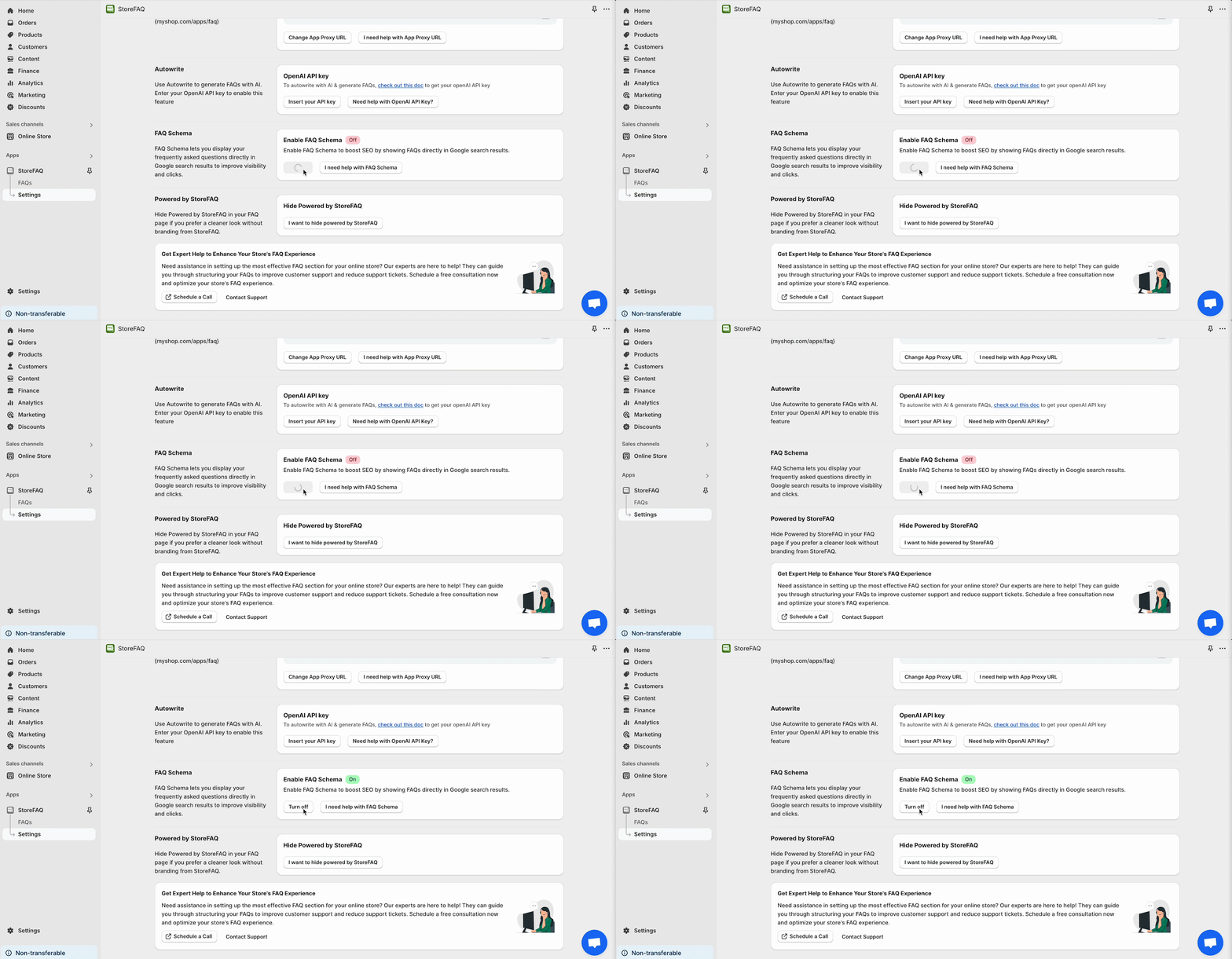
Instead of manually adding JSON-LD code inside Shopify theme files, many Shopify merchants use apps to simplify FAQ management and SEO optimization.
A practical workflow is using StoreFAQ together with StoreSEO
Create FAQ Sections with StoreFAQ
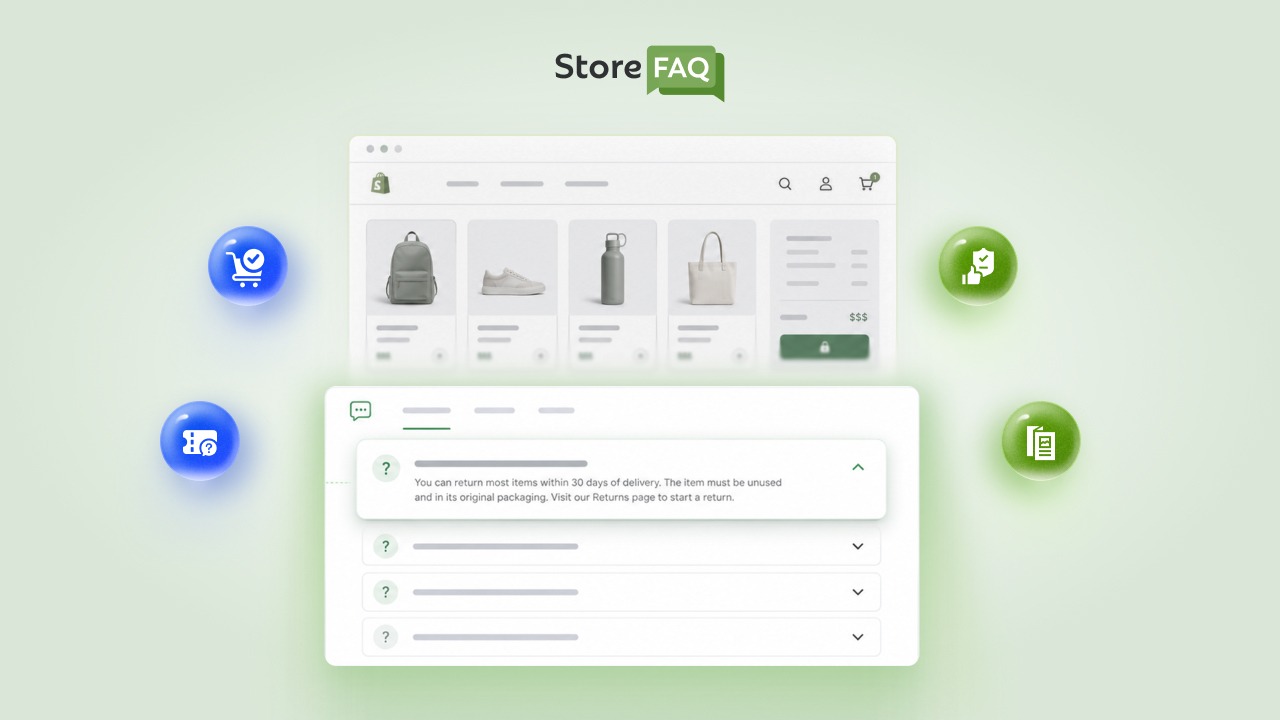
StoreFAQ helps merchants create and manage FAQ sections for Shopify stores with customizable layouts and organized FAQ management features.
The app is designed to help store owners display frequently asked questions in a structured and user-friendly format without manually editing theme files.
For blog posts focused on tutorials, product education or troubleshooting, FAQ sections can help visitors quickly find answers related to the topic.
With StoreFAQ, merchants can:
- Create and organize FAQ sections from a centralized dashboard
- Display FAQs using accordion-style layouts
- Improve customer support experience with structured FAQ content
- Add FAQ content to different Shopify store pages
- Manage FAQs without directly editing Shopify code
Improve Shopify SEO with StoreSEO
After publishing FAQ content, StoreSEO can help optimize your broader Shopify SEO setup. StoreSEO provides features for SEO scanning, image optimization, keyword analysis and on-page SEO optimization for Shopify stores.
Using StoreSEO alongside StoreFAQ can help merchants organize FAQ content while improving the SEO quality of Shopify blog posts and store pages.
StoreSEO helps merchants:
- Optimize meta titles and meta descriptions
- Improve image SEO optimization
- Analyze SEO issues across store content
- Optimize Shopify products, pages and collections
- Maintain SEO best practices throughout the store
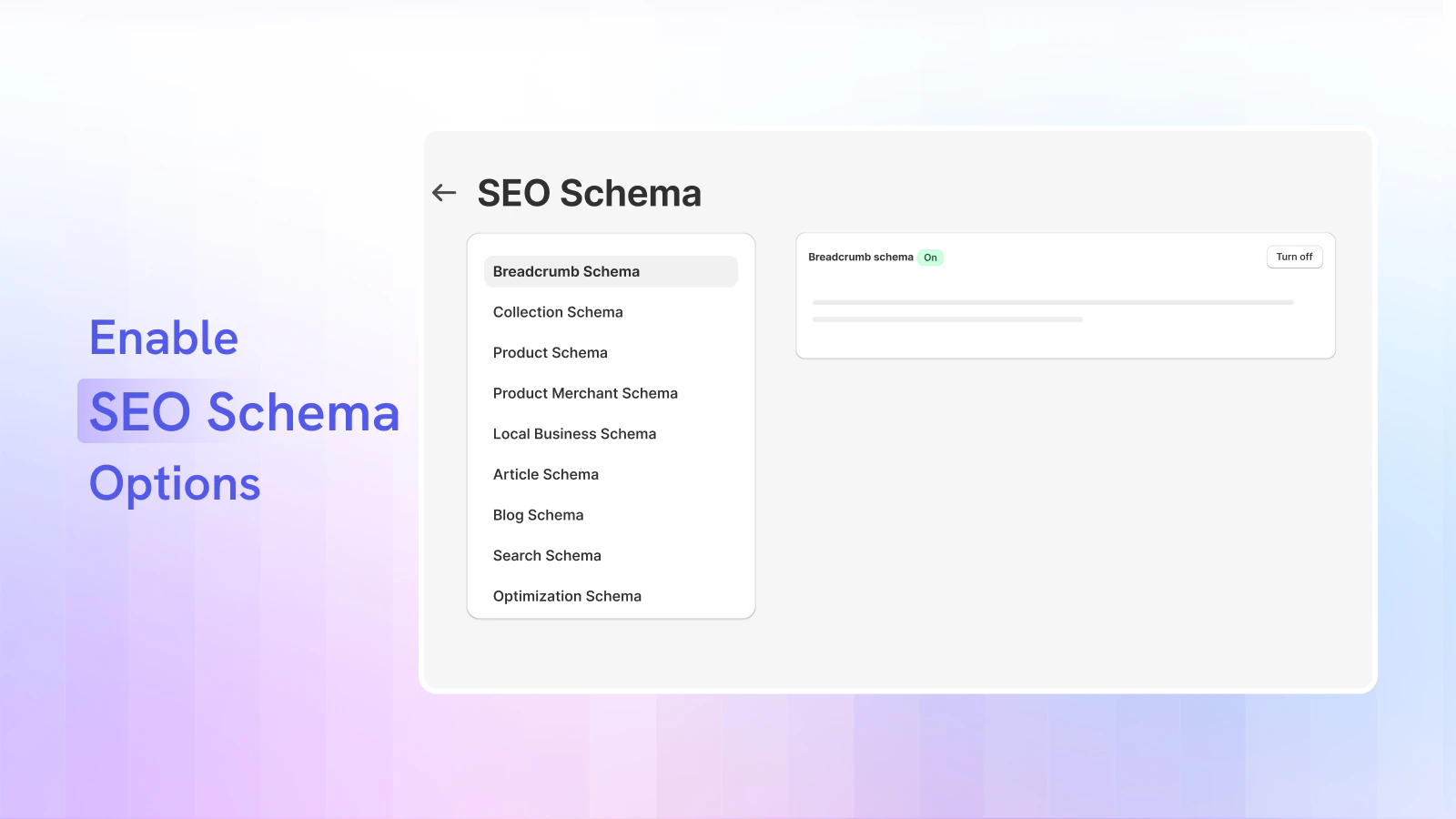
Basic Workflow to Add FAQPage Schema to a Shopify Blog Post
- Install StoreFAQ from the Shopify App Store.
- Create FAQ content related to your blog topic.
- Add the FAQ section to the relevant Shopify page or blog post.
- Review your FAQ layout and published content.
- Use StoreSEO to optimize SEO settings for the blog post.
- Validate the structured data using Google Rich Results Test.
Common Shopify Schema Mistakes to Fix Right Now
Many Shopify stores lose search visibility due to simple schema errors. This guide highlights the most common mistakes and how to fix them quickly.
Before moving on, do a quick audit of your store’s structured data. These are the most damaging mistakes to correct:
❌ Wrong schema type on blog posts: If Product schema is appearing on your blog post pages, remove it immediately or configure your SEO app to exclude blog templates.
❌ Hidden FAQ content: If your FAQ answers are hidden behind JavaScript accordions that Google cannot render, your FAQPage schema will be ignored.
❌ Duplicate Product schema: If you have both theme-level and app-level Product schema firing on the same page, pick one and disable the other.
❌ Stale price data: Custom Product schema with hardcoded prices that do not match your actual listings can trigger Google Search Console warnings and suppress rich results.
❌ Mixing FAQPage and QAPage: These two types serve entirely different purposes. Never put both on the same URL.
Pick the Best Schema Type for Shopify Blogs: FAQ, QAPage or Product
The three schema types serve three completely different purposes. FAQ Page schema belongs on any page where you write publisher-controlled Q&A content, which makes it the right choice for most Shopify blog posts with a FAQ section. QAPage schema is reserved for genuine community or forum pages where multiple users submit competing answers. Product schema lives exclusively on product detail pages and should never appear on a blog post.
Getting this right is not complicated once you understand the intent behind each type. Audit your current Shopify structured data today, check whether any SEO app is injecting Product schema across all page types and add FAQPage schema to your top-performing blog posts that include visible FAQ sections.
If this blog helped you, please subscribe for more simple guides, tutorials and tips to grow your Shopify store.