



Running a Shopify store is exciting but one thing slows almost every store owner down: repetitive customer questions. Shoppers want instant answers. They want to know about shipping timelines, return policies, product details and payment options before they hand over their money. When those answers are missing, customers either reach out to your support team or simply leave and buy somewhere else. That is where a Shopify FAQ page becomes one of the most powerful and underrated tools in your store.
Whether you are just getting started or running a high-volume store, the benefits of adding a dedicated FAQ page to your Shopify store are simply too big to ignore. We are going to explore why this simple addition is so important for your long-term success.
TL;DR (Too Long, Didn’t Read?)
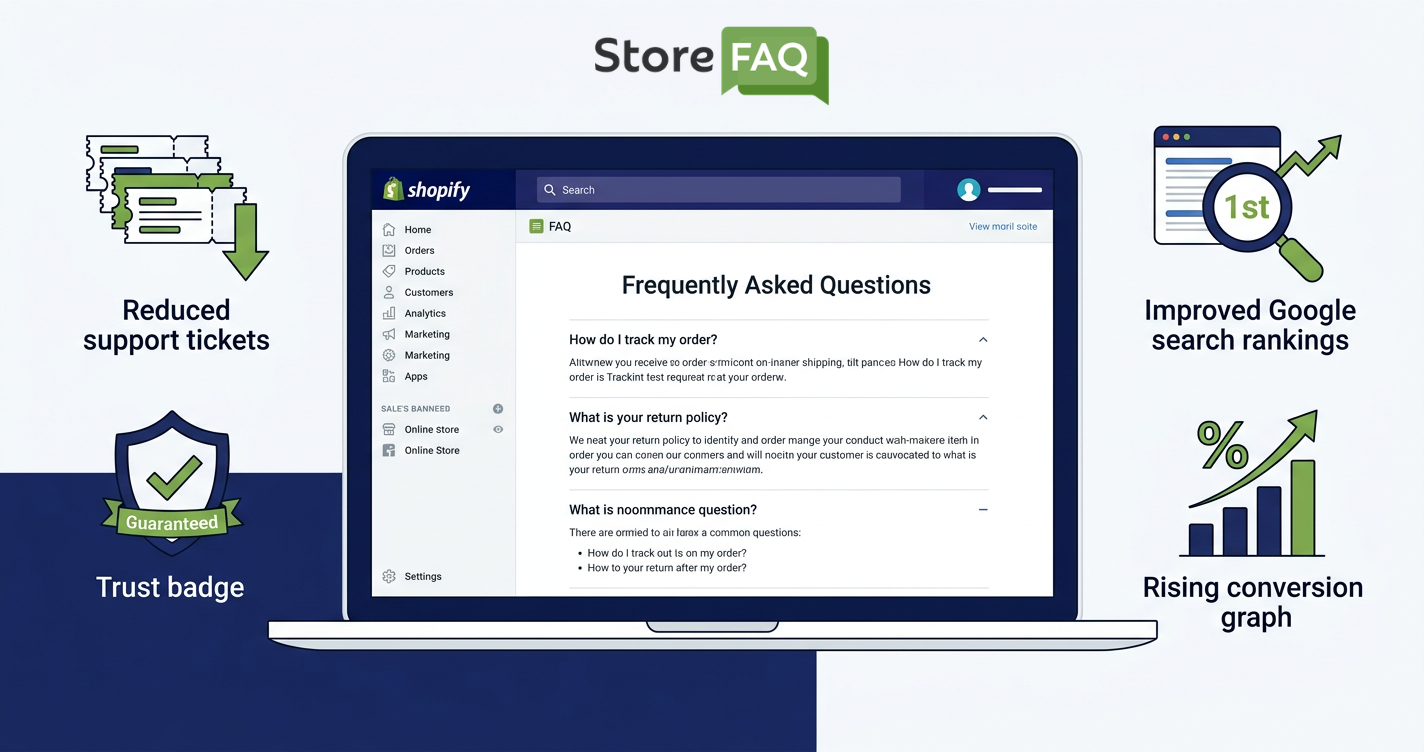
Quick Answer: A Shopify FAQ page reduces customer support tickets, builds buyer confidence, improves your store’s Google ranking through FAQ schema and increases conversions by answering shoppers’ most common questions before they hesitate to buy.
| Reason | Benefit |
|---|---|
| Reduces Support Tickets | Fewer repetitive customer questions |
| Builds Trust & Credibility | Shoppers feel safe buying from you |
| Boosts SEO with FAQ Schema | Rich snippets on Google search results |
| Improves Customer Experience | Faster answers without contacting support |
| Increases Conversions & Sales | Removes buying hesitation instantly |
What Is a Shopify FAQ Page?
A Shopify FAQ page is a dedicated help section on your online store that lists the most common questions your customers ask, along with clear and direct answers. It covers everything from shipping and delivery times to return policies, product compatibility, payment methods and anything else your shoppers want to know.
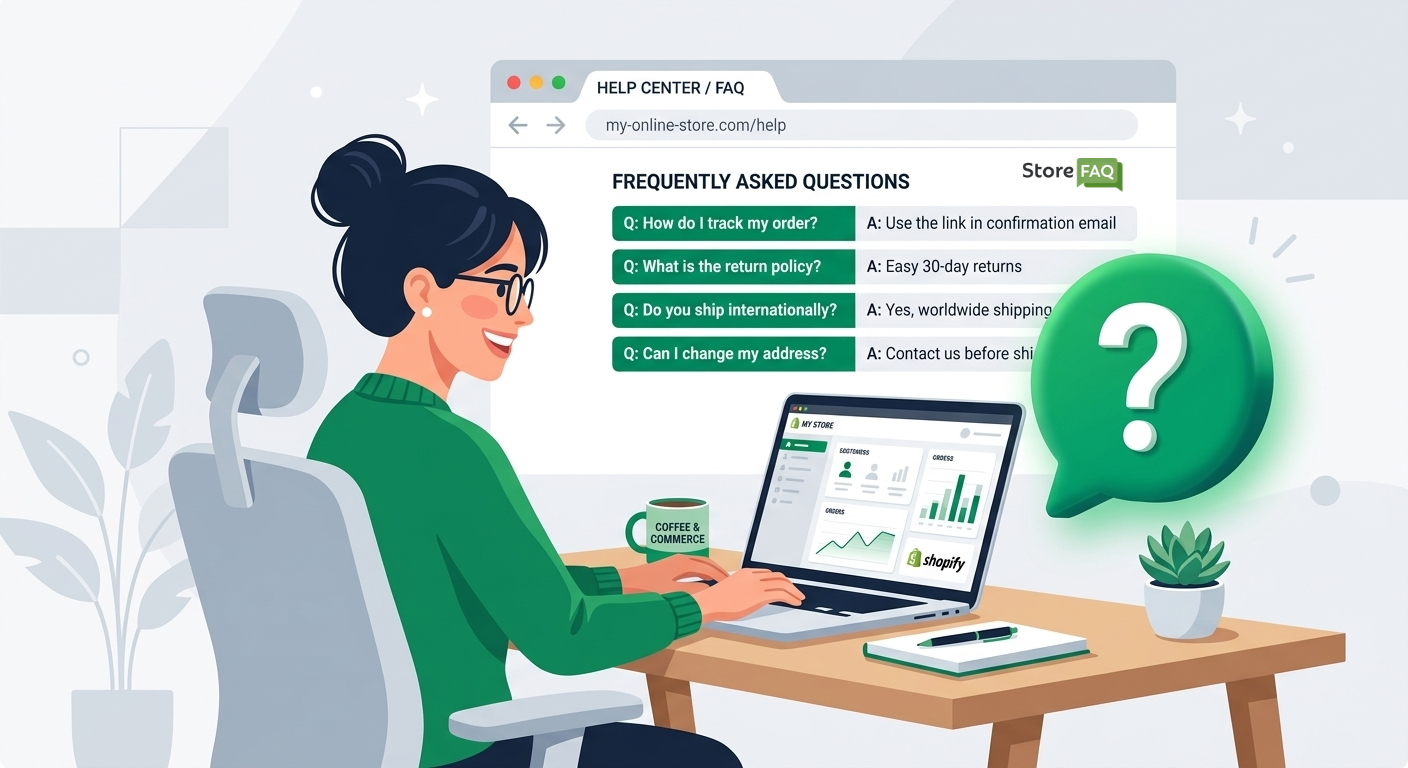
Think of it as a 24/7 virtual assistant that never takes a day off. While you sleep, your FAQ page is answering questions, calming doubts and guiding visitors toward the checkout. For Shopify merchants, this single page can completely change how a customer experiences your store.
Many store owners treat it as an afterthought, but the most successful e-Commerce brands treat their FAQ page on Shopify as a core part of their customer experience strategy. Let us now look at exactly why you should too.
Reason 1: It Cuts Down Your Customer Support Tickets
One of the biggest and most immediate benefits of a Shopify FAQ page is the reduction in support tickets. If your inbox is full of the same questions every single day, you are wasting valuable time on answers that never needed a personal response.
Studies show that a large portion of eCommerce customer inquiries fall into just a handful of categories. The most repeated customer questions revolve around shipping, refunds, product details and account issues. Every time your team manually answers these questions, you are spending time and money that could go toward growing the business.
Most common questions that a Shopify FAQ page handles automatically:
- Where is my order and when will it arrive?
- What is your return and refund policy?
- Do you ship internationally?
- What payment methods do you accept?
- How do I track my shipment?
- Can I change or cancel my order after placing it?
- Are your products compatible with a specific device or size?
When you create an FAQ page on Shopify that answers all of these upfront, your customer service team gets significantly fewer tickets to handle. That means faster response times for the questions that truly need human attention and a much smoother operation overall.
For solo store owners, this is especially powerful. You may not have a dedicated support team, which means every question eats into your day. A well-structured FAQ page handles the basics so you can focus on marketing, inventory and scaling your store.
For larger teams, the impact compounds. Fewer tickets per agent means lower labor costs, faster resolutions and happier customers who didn’t have to wait hours for a simple answer. This is a direct path to better customer retention.
Reason 2: It Builds Trust And Credibility with Shoppers
People do not buy from brands they do not trust. When a first-time visitor lands on your Shopify store, they are making a quick judgment about whether your brand is legitimate, safe and worth their money. A well-organized Shopify FAQ page is one of the fastest ways to earn that trust.
A FAQ page shows shoppers that you have nothing to hide. You are proactively addressing their concerns instead of waiting for them to ask. This kind of transparency is a strong trust signal, especially for newer stores that have not built a large review base yet.
When your FAQ page clearly covers these areas, customers feel more confident placing an order:
- Clear return and refund policy details
- Honest shipping timelines and carrier information
- Transparent pricing and discount usage instructions
- Privacy and data security reassurances
- Product quality details and sourcing information
81% of consumers need to trust a brand before making a purchase. Your FAQ page is one of the clearest signals of that trust you can send. It shows that real people run your business and that you understand what your customers care about.
A strong FAQ page Shopify section placed near your product pages or checkout step, can intercept these moments of doubt. You are essentially converting hesitation into confidence right when it matters most.
Cart abandonment is one of the biggest challenges in eCommerce. A major reason shoppers abandon their carts is unanswered questions. When a buyer is on the fence, they Google your return policy or look for your shipping times. If they cannot find the answers quickly, they leave.
Reason 3: It Boosts Your Shopify Store SEO with FAQ Schema
This is arguably the most underutilized benefit of the Shopify FAQ page. Beyond serving your customers directly, a FAQ page that is properly set up with FAQ schema Shopify markup can dramatically improve your visibility on Google.
What Is FAQ Schema And Why Does It Matter?
FAQ schema is a type of structured data markup that tells Google your content contains a list of questions and answers. When Google recognizes this markup on your page, it may display your FAQ directly in the search results as expandable rich snippets.
This means your store can show up in Google search results with visible questions and answers right under your page title. That kind of real estate on a search result page is extremely valuable and most competitors have not taken advantage of it yet.
What FAQ schema does for your Shopify store SEO? Let’s find out 👉🏻
- Rich snippets increase your click-through rate (CTR) from search results
- Your listing takes up more vertical space on Google, pushing competitors down
- Google can directly pull your FAQs into featured snippets
- It signals to search engines that your content is structured, authoritative and relevant
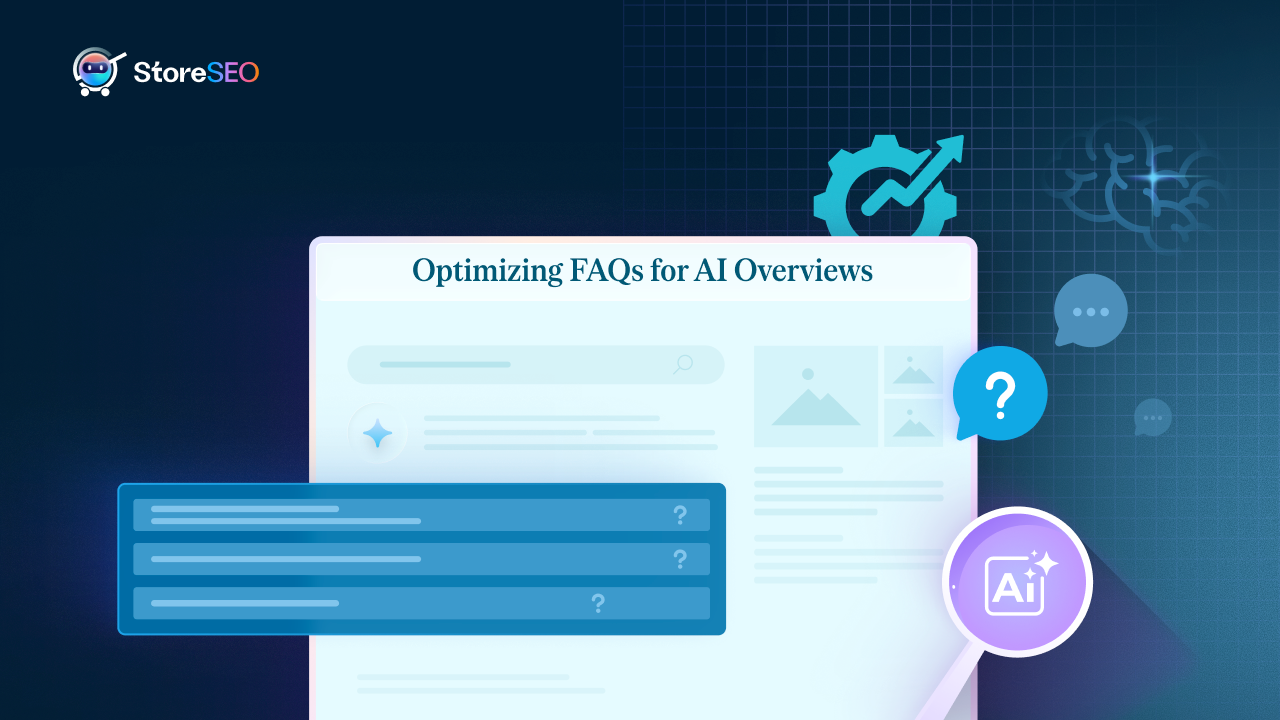
- It supports Answer Engine Optimization (AEO) for voice search and AI-powered answers
Apps like StoreFAQ automatically add FAQ schema to your Shopify store without requiring any coding knowledge. This means you get the full SEO benefit of structured data without touching a line of code.
Shopify FAQ Page SEO: Beyond Schema
Even without a schema, a FAQ page contributes to your overall Shopify FAQ page SEO in meaningful ways. Well-written FAQ content naturally includes long-tail keywords that your customers are already searching for.
Phrases like ‘how long does shipping take’ or ‘can I return a product after 30 days’ are exactly the kinds of queries people type into Google.
When your FAQ page contains these phrases written naturally in question-and-answer format, it signals relevance to search engines. Over time, this drives organic traffic from users who would not have found your store otherwise. It is free, passive traffic that compounds with every question you add.
For a deeper look at how to structure your page for SEO, check out this guide from Shopify’s official blog on creating an FAQ page.
Reason 4: It Improves the Overall Customer Experience
Customer experience is everything in e-commerce. The stores that win are the ones that make shopping feel effortless. A Shopify store FAQ page is a simple but powerful way to make every visitor’s journey smoother from the moment they land on your store.
Shoppers have questions at every stage. Before they buy, they want to know about product quality, sizing, compatibility and delivery speed. During the buying process, they want clarity on payment security and discount codes. After they buy, they want to know how to track their order or initiate a return.
A well-organized product FAQs Shopify section that is structured by topic gives customers exactly what they need without having to wait for a support reply or dig through your website. This frictionless experience is what keeps shoppers coming back and recommending your store to others.
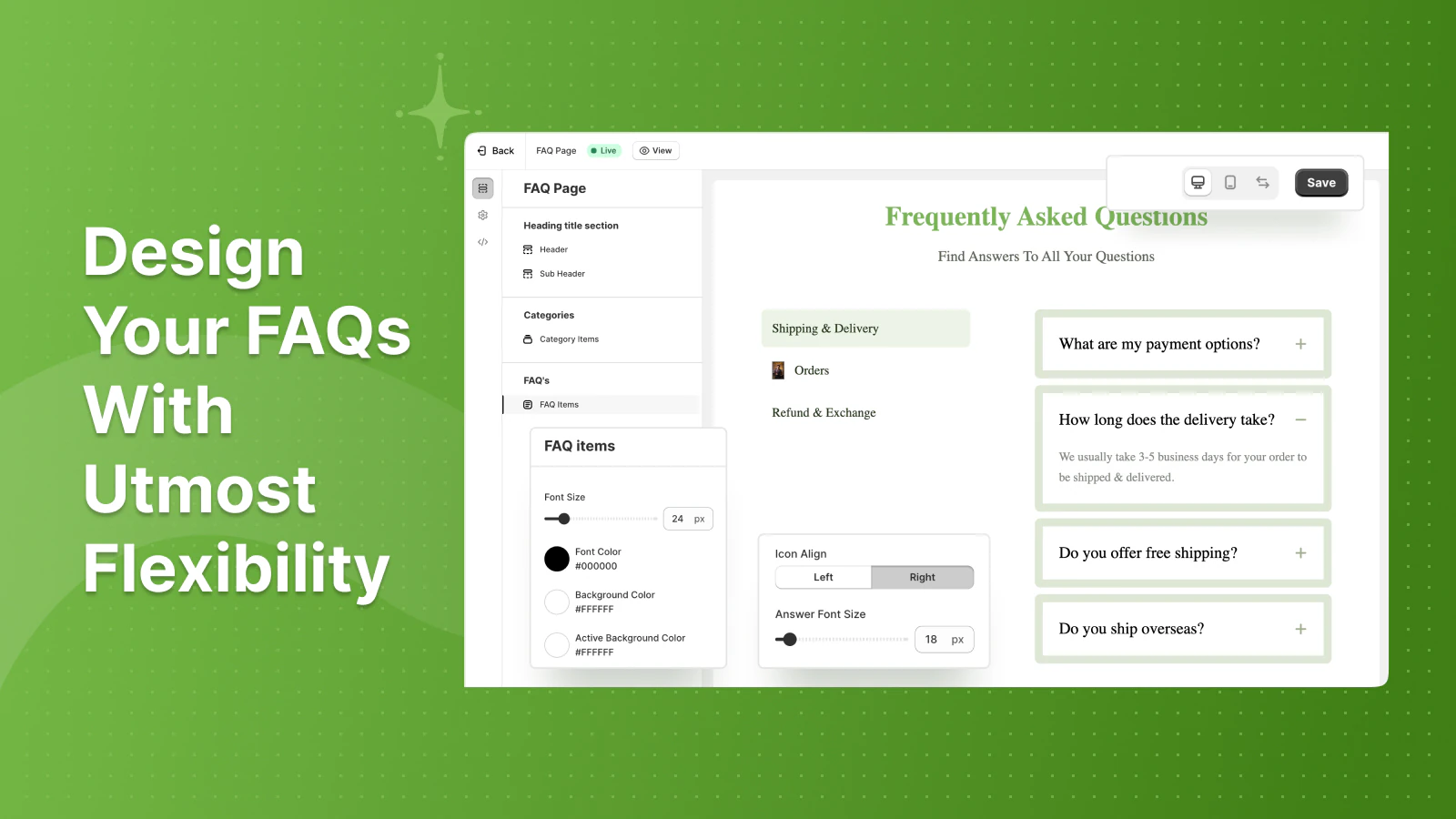
Organize Your FAQ Page
Group questions into clear categories like Shipping, Returns and Payments, ordered by how often customers ask them. Keep answers short and specific, use accordions for a clean mobile layout and add a search bar plus contact link if the FAQ does not help. Also you must:
- Group questions by topic such as Shipping, Returns, Payments and Products
- Keep answers short, clear and written in plain language
- Add a search bar so customers can find answers instantly
- Link to related pages like your return policy or tracking portal within answers
- Update your FAQ page regularly based on new questions from your support inbox
Priorities Mobile Experience
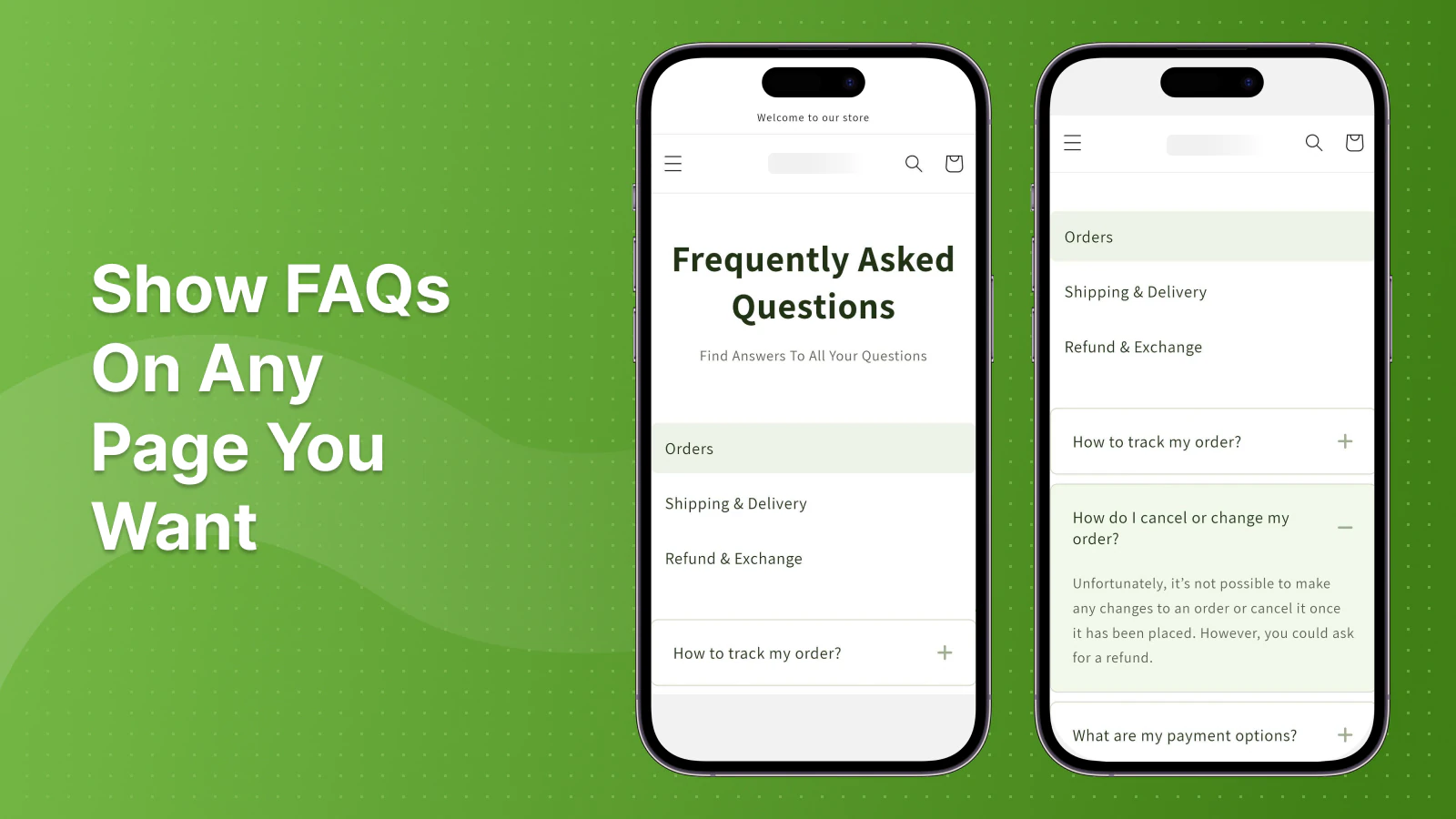
A large percentage of Shopify store visitors browse on mobile devices. A FAQ page built with a clean accordion-style layout collapses long answers into tappable dropdowns. This keeps the page easy to scroll and read on a small screen. Apps like StoreFAQ offer mobile-optimized FAQ layouts that match the look of your Shopify theme without any custom coding needed.
Reason 5: It Directly Increases Your Conversions And Sales
At the end of the day, every improvement you make to your Shopify store should point toward one outcome: more sales. The Shopify FAQ page benefits are not just operational; they are directly tied to your bottom line.
How FAQ Pages Remove Buying Friction
Conversion rate optimization is about removing every possible obstacle between a visitor and a completed purchase. Unanswered questions are one of the most common obstacles. When a customer is not sure about something and cannot get a quick answer, they leave. When they leave, they rarely come back.
A FAQ page tackles this friction head-on. It answers the exact objections that are stopping people from clicking ‘Add to Cart.’ Think about these common hesitation points and how your FAQ page resolves them:
- Worried about sizing?
Your FAQ covers measurements and a size guide link - Not sure if the product ships to their country?
Your FAQ lists every shipping region - Nervous about returns?
Your FAQ clearly explains the 30-day hassle-free return process - Unsure about payment security?
Your FAQ reassures them with SSL and secure checkout details - Confused about product compatibility?
Your FAQ lists exactly which devices or models it works with
One of the most effective strategies for Shopify stores is placing Shopify product FAQs directly on individual product pages. Instead of having one general FAQ page, you add a short Q&A section specific to each product directly below the description.
This keeps the buyer in the purchase flow without having to navigate away to find answers. The closer the FAQ is to the ‘Buy Now’ button, the more directly it influences the purchase decision. Several Shopify apps including StoreFAQ support this product-level FAQ feature natively.
Best Practices for Writing FAQs for Your Shopify Store
Writing a FAQ page that actually works requires more than just listing random questions. Here are the best practices to follow when setting up your Shopify store FAQ section.
Write from Your Customer’s Perspective
Do not write questions that are convenient for your business. Write the questions your customers are actually asking. Go through your support inbox, read your reviews and check your live chat logs. The patterns you find there are the exact questions that belong on your FAQ page.
Keep Answers Short And Scannable
Nobody wants to read a wall of text to find a simple answer. Write your FAQ answers in 2 to 4 sentences. If the topic requires more explanation, link to a dedicated page for full details. This keeps the FAQ fast to browse and easy to digest.
Update It Regularly
Your FAQ page should evolve with your store. Every time a new product launches, a policy changes or a new question starts appearing in your inbox, add it to your FAQ. A stale FAQ page with outdated information is worse than no FAQ at all because it actively misleads customers.
Place It Where Customers Will Find It
Here are the best places to link your Shopify FAQ page so customers can always find it:
- In the main navigation menu under ‘Help’ or ‘Support’
- In your footer links
- On individual product pages as a tab or accordion section
- In your cart page or checkout sidebar
- In your order confirmation email with a link for common post-purchase questions
Add Your Shopify FAQ Page Today And Start Seeing Results
A Shopify FAQ page is one of the simplest additions you can make to your store, yet the impact it has is anything but small. It works quietly in the background, answering customer questions, building trust, improving your Google rankings and converting hesitant shoppers into confident buyers.
We covered the top five reasons your Shopify store needs a FAQ page right now. From cutting support tickets and building credibility to boosting your SEO through FAQ schema Shopify markup and increasing your conversion rate, every reason points to the same conclusion: this is a must-have page for any serious Shopify merchant.
Stop answering the same questions manually. Stop losing customers to unanswered doubts. Add your Shopify FAQ page today and let it do the work for you.
If this blog helped you, please subscribe for more simple guides, tutorials and tips to grow your Shopify store.
Frequently Asked Questions About Shopify FAQ Pages
Many store owners have their own questions before they commit to adding new features to their website. Here are the most common things people ask about building a help center for their shop:
What is a Shopify FAQ page?
A Shopify FAQ page is a dedicated page on your Shopify store that lists the most common questions from customers along with clear, direct answers. It helps shoppers find information quickly without needing to contact your support team.
How does a FAQ page help reduce support tickets in Shopify?
When your FAQ page already covers the most common questions like shipping timelines, return policies and product details, customers can find answers on their own. This means fewer emails and chat messages reaching your support team, saving you significant time and cost every week.
Does a Shopify FAQ page help with SEO?
Yes. A Shopify FAQ page SEO benefit comes from two angles. First, FAQ pages naturally contain long-tail keyword phrases that customers search for. Second, adding FAQ schema markup allows Google to show your questions and answers directly in search results as rich snippets, which can increase your click-through rate significantly.
What is FAQ schema and how do I add it to Shopify?
FAQ schema is a type of structured data that tells Google your page contains a list of questions and answers. You can add it to Shopify using a dedicated FAQ app like StoreFAQ, which automatically generates and injects the correct FAQ schema Shopify code without any manual work.
Where should I place the FAQ page on my Shopify store?
Your FAQ page should be linked in your main navigation menu, your website footer and on individual product pages. Placing product-specific FAQs directly below your product descriptions is especially effective because it answers buyer questions exactly where they are making their purchase decision.
What is the best app to create a FAQ page on Shopify?
StoreFAQ is a dedicated Shopify app designed to help store owners create FAQ pages on Shopify quickly and professionally. It includes automatic FAQ schema, accordion layouts, product-level FAQ support and full theme compatibility without requiring any coding knowledge.

Leave a Reply